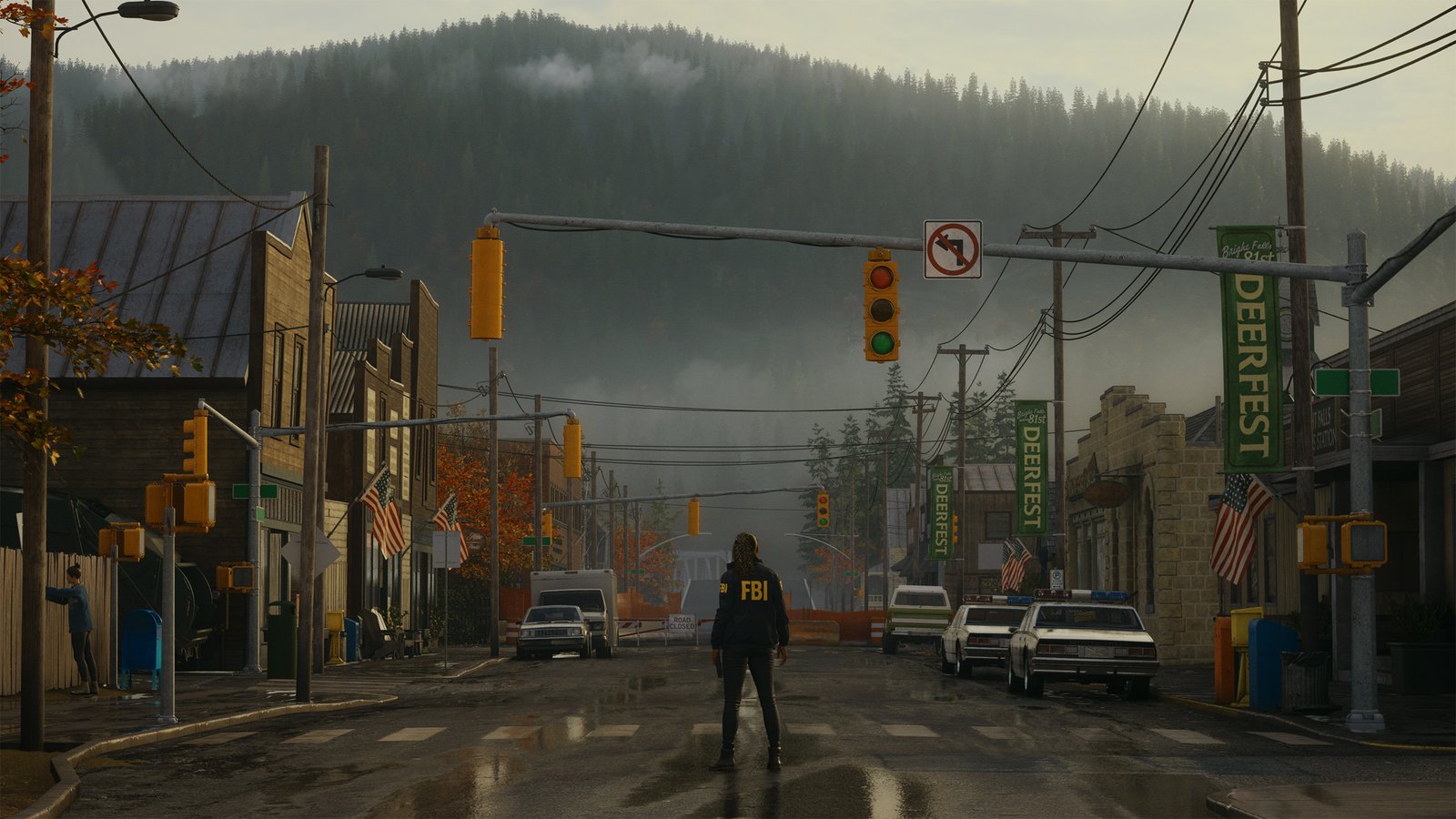
Alan Wake 2 System Requirements & PC Benchmark
// SYSTEM DATA ANALYSIS //
> MINIMUM REQ.
CPU: Intel Core i5-7600K or AMD Ryzen 5 1600
GPU: NVIDIA GeForce GTX 1070 or AMD Radeon RX 5600 XT
RAM: 16
> RECOMMENDED
CPU: Intel Core i7-10700K or AMD Ryzen 7 3700X
GPU: NVIDIA GeForce RTX 3070 or AMD Radeon RX 6700 XT
RAM: 16
// PROFESSIONAL_ANALYSIS //
Descend into atmospheric psychological horror in Alan Wake 2, developed by Remedy Entertainment and powered by the proprietary Northlight Engine. Leveraging hardware-accelerated Mesh Shaders, full Path Tracing, and dense volumetric atmospheric fog across Bright Falls and The Dark Place, surviving this nightmare demands formidable graphics power and stable frame pacing. Benchmark your PC setup above to check expected frame rates across 1080p, 1440p, and 4K resolutions.
Alan Wake 2 Minimum System Requirements (1080p 30 FPS Low)
Baseline hardware required for playable 1080p 30 FPS on Low settings with temporal upscaling enabled:
- Operating System: Windows 10 or Windows 11 (64-bit)
- Processor (CPU): Intel Core i5-7600K or AMD Ryzen 5 1600
- Graphics Card (GPU): NVIDIA GeForce GTX 1070 or AMD Radeon RX 5600 XT
- System Memory (RAM): 16 GB RAM
- DirectX: Version 12
- Storage: 90 GB available space (NVMe Solid State Drive strictly required)
Alan Wake 2 Recommended System Requirements (1080p/1440p 60 FPS High)
Recommended setup for fluid 1080p/1440p 60 FPS on Medium/High settings:
- Operating System: Windows 10 or Windows 11 (64-bit)
- Processor (CPU): Intel Core i7-10700K or AMD Ryzen 7 3700X
- Graphics Card (GPU): NVIDIA GeForce RTX 3070 or AMD Radeon RX 6700 XT
- System Memory (RAM): 16 GB high-speed dual-channel RAM
- DirectX: Version 12
- Storage: 90 GB NVMe M.2 Solid State Drive
Alan Wake 2 4K Ultra Specs (60+ FPS Enthusiast Tier)
For full 4K path-traced rendering with Ray Reconstruction and high geometric density, an Intel Core i7-14700K or AMD Ryzen 7 7800X3D paired with an NVIDIA GeForce RTX 4080 Super or RTX 4090 and 32 GB RAM is required to sustain 60+ FPS with DLSS Quality.
Best Alan Wake 2 Graphics Settings for Maximum FPS
To reclaim substantial GPU headroom while preserving the oppressive, photorealistic atmosphere of Bright Falls, apply these optimized settings:
- Volumetric Lighting & Fog: Medium (saves up to 18% GPU render time while maintaining moody atmospheric scattering).
- Shadow Resolution & Screen-Space Reflections: Medium (delivers crisp contact shadows without the extreme compute overhead of ultra).
- Ray Tracing / Path Tracing: Off on mid-range GPUs; set to Medium with Ray Reconstruction on RTX 4070 or higher.
- DLSS / FSR: Set to Quality mode for 1080p/1440p; Balanced mode for 4K.
Hardware Bottlenecks: Is Alan Wake 2 CPU or GPU Heavy?
Alan Wake 2 is emphatically GPU-heavy. Its reliance on DirectX 12 Ultimate Mesh Shaders bypasses legacy vertex pipelines, placing heavy computational demands on modern shader cores and tensor hardware. VRAM consumption easily exceeds 12 GB at high resolutions, making an NVMe SSD essential for seamless world-streaming. Compare technical demands with other vanguard visual showcases such as Silent Hill 2 and Cyberpunk 2077, or explore our PC system requirements catalog.
Frequently Asked Questions (FAQ)
Can I run Alan Wake 2 on older GPUs without Mesh Shader support?
While recent patches added fallback vertex shader compatibility for older GTX 10-series GPUs, performance remains significantly reduced; a DX12 Ultimate GPU is strongly advised.
Is an SSD strictly mandatory?
Yes, Alan Wake 2 streams high-resolution geometry and audio dynamically; mechanical hard drives cause severe stuttering and asset pop-in.
Does Alan Wake 2 support Frame Generation?
Yes, the title natively supports DLSS 3 Frame Generation and AMD FSR 3 to double perceptible framerates on supported architectures.