
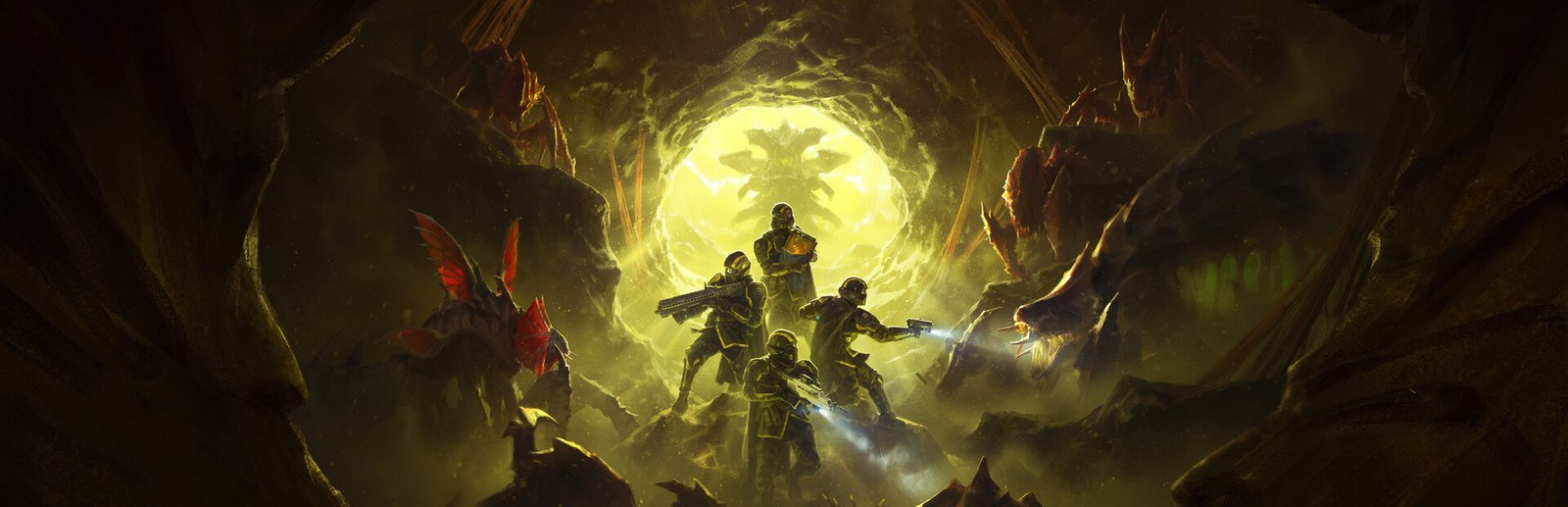
Helldivers 2 System Requirements & PC Benchmark
// SYSTEM DATA ANALYSIS //
> MINIMUM REQ.
CPU: Intel Core i7-4790K
GPU: NVIDIA GeForce GTX 1050 Ti
RAM: 8
> RECOMMENDED
CPU: Intel Core i7-9700K
GPU: NVIDIA GeForce RTX 2060
RAM: 16
// PROFESSIONAL_ANALYSIS //
Can your PC spread Managed Democracy? Helldivers 2 is Arrowhead Game Studios and PlayStation Publishing’s blockbuster third-person co-op shooter that has taken the gaming world by storm. With chaotic 4-player cooperative warfare, procedural destruction, physics-driven orbital strikes, and dynamic smoke simulation across hostile alien planets, Helldivers 2 demands balanced CPU and GPU horsepower to prevent framerate dips during hectic extractions. Use our interactive PC system requirements checker above to simulate your expected FPS across low, medium, high, and ultra presets.
Helldivers 2 Minimum System Requirements (1080p 30 FPS)
To run Helldivers 2 at baseline playable performance (1080p resolution targeting 30 FPS on low presets), Arrowhead Game Studios specifies the following minimum hardware configuration:
- Operating System: Windows 10 (64-bit)
- Processor (CPU): Intel Core i7-4790K or AMD Ryzen 5 1500X
- Graphics Card (GPU): NVIDIA GeForce GTX 1050 Ti or AMD Radeon RX 470 (4GB VRAM)
- System Memory (RAM): 8 GB DDR4
- Storage: 100 GB available space (7200 RPM HDD supported, SSD strongly recommended)
While the minimum configuration allows you to drop onto lower-difficulty planets, you will experience noticeable frame drops below 30 FPS during heavy Bug Breaches and Automaton artillery barrages on difficulties 7 through 9 (Suicide Mission and Helldive). Upgrading to recommended specs is crucial for smooth cooperative play.
Helldivers 2 Recommended System Requirements (1080p & 1440p 60 FPS)
For a fluid 60 FPS experience at 1080p or 1440p high settings, you need a capable 6-core or 8-core modern processor and an 8GB graphics card to process complex volumetric lighting, particle effects, and multi-threaded enemy AI calculations:
- Operating System: Windows 10 or Windows 11 (64-bit)
- Processor (CPU): Intel Core i7-9700K or AMD Ryzen 7 3700X
- Graphics Card (GPU): NVIDIA GeForce RTX 2060 or AMD Radeon RX 6600 XT (8GB VRAM)
- System Memory (RAM): 16 GB dual-channel DDR4-3200 or DDR5
- Storage: 100 GB available space on an NVMe M.2 SSD
Helldivers 2 4K Ultra Performance Tier (60+ FPS)
Gamers demanding maximum visual fidelity at native 4K (2160p) resolution with ultra settings will require enthusiast-tier hardware: an Intel Core i5-12600K or AMD Ryzen 7 5800X3D paired with an NVIDIA GeForce RTX 3080, RTX 4070, or AMD Radeon RX 6800 XT (12GB+ VRAM) and 32GB of high-speed system RAM.
Best Helldivers 2 Graphics Settings for Maximum FPS & Stability
Helldivers 2 is rendered on a heavily modified version of the Autodesk Stingray engine. Several graphics options disproportionately reduce framerates with negligible visual benefit. Applying these optimized settings can boost your framerate by 35% to 50%:
- Motion Blur & Depth of Field: 0 / Off (substantially sharpens combat visibility and saves GPU cycles).
- Render Scale: Native (or set to “Ultra Quality” if using a 1440p/4K display on a mid-tier GPU).
- Volumetric Fog Quality: Medium (High and Ultra fog significantly penalize frametimes during stormy atmospheric weather).
- Volumetric Clouds Quality: Medium (delivers crisp skyboxes with negligible performance overhead).
- Shadow Quality: Medium (offers crisp character and drop-pod shadows without the performance penalty of High).
- Space Quality: Low (affects super-destroyer backgrounds outside planetary missions; setting to Low preserves GPU bandwidth).
- Screen-Space Global Illumination: Off (disabling this feature yields a stable 8-12% FPS increase).
- Anti-Aliasing: TAA On (essential to avoid shimmering on alien flora and mechanical chassis).
- Async Compute: Enabled on modern AMD RDNA and NVIDIA RTX graphics cards.
Hardware Bottlenecks: Is Helldivers 2 CPU or GPU Bound?
Helldivers 2 is unusually CPU-intensive compared to standard shooters. Because the game does not use dedicated game servers for in-match physics, the host player’s PC computes enemy swarm pathfinding, limb dismemberment, orbital trajectory angles, and projectile ballistics for all four squad members. If your CPU has fewer than 6 cores / 12 threads, you will experience stuttering whenever bug swarms trigger. If you enjoy cooperative sci-fi combat, you can also check our Space Marine 2 system requirements guide or explore competitive framerate benchmarks in Counter-Strike 2.
Frequently Asked Questions (FAQ)
Can Helldivers 2 run on the Steam Deck or ROG Ally?
Yes, Helldivers 2 is playable on handhelds like the Steam Deck and ASUS ROG Ally. On Steam Deck, set the in-game Render Scale to “Balanced”, lock the framerate to 30 or 40 FPS, and use Low/Medium settings for a consistent experience.
Is an SSD required for Helldivers 2?
While mechanical HDDs are technically supported by the installer, an SSD is practically required. Spreading democracy involves frequent planetary transitions; mechanical hard drives cause 2-minute hellpod loading sequences and occasional audio stuttering when assets stream in.
Does Helldivers 2 support DLSS or FSR 3 Frame Generation?
Helldivers 2 currently relies on proprietary internal spatial upscaling (Render Scale presets). It does not natively implement NVIDIA DLSS or AMD FSR Frame Generation at launch, though third-party driver-level scaling (such as AMD RSR or NVIDIA Image Scaling) can be engaged through GPU control panels.
For patches, warbonds, and official Galactic War dispatches, check out the Helldivers 2 Steam Store page. Enter your CPU and GPU into our calculator above to verify your hardware readiness!