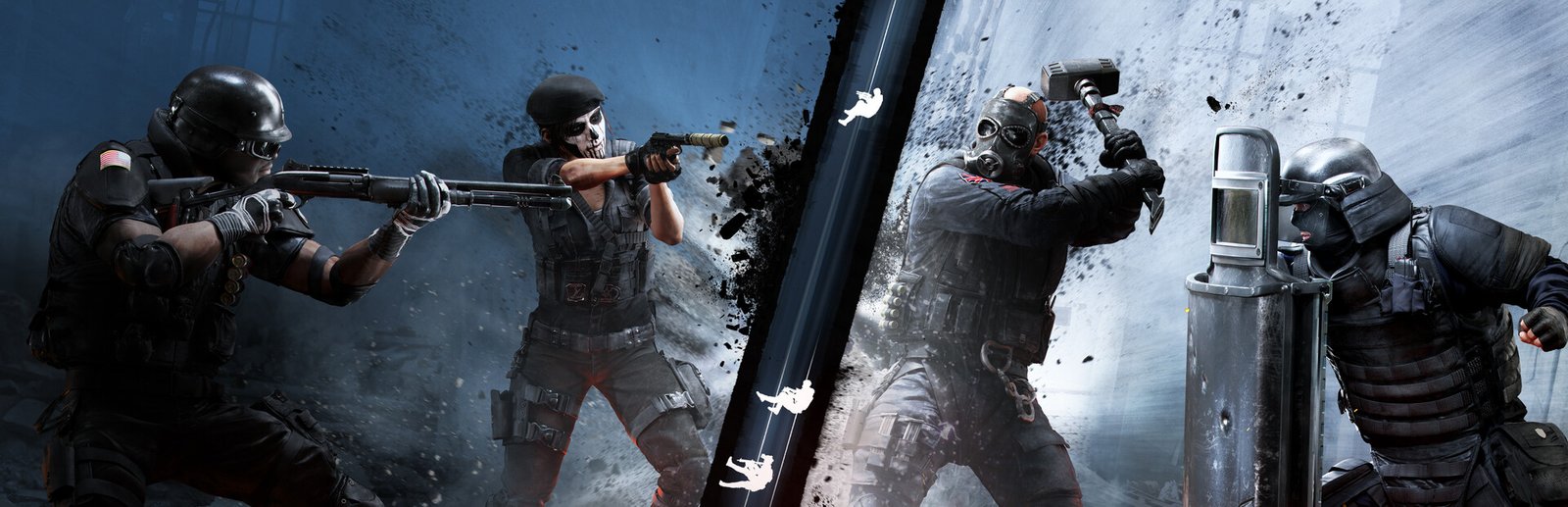
Tom Clancy’s Rainbow Six Siege System Requirements & PC Benchmark
// SYSTEM DATA ANALYSIS //
> MINIMUM REQ.
CPU: Intel Core i3 560
GPU: NVIDIA GeForce GTX 460
RAM: 6
> RECOMMENDED
CPU: Intel Core i5-2500K
GPU: NVIDIA GeForce GTX 960
RAM: 8
// PROFESSIONAL_ANALYSIS //
Can your PC hold the angle and breach the objective with zero input latency? Tom Clancy’s Rainbow Six Siege, developed and published by Ubisoft Montreal, is the gold standard of competitive tactical close-quarters combat shooters. Powered by the AnvilNext engine and Ubisoft’s proprietary RealBlast procedural destruction system, every wall, barricade, floor, and ceiling can be breached to create lethal sightlines. In high-stakes ranked matches, maintaining a locked 144 FPS or 240 FPS is essential for quick-peeking and pixel-perfect headshots. Use our interactive PC system requirements checker above to simulate your expected framerate before jumping into the prep phase.
Rainbow Six Siege Minimum System Requirements (1080p 60 FPS Low)
To run Rainbow Six Siege at baseline playable performance (1080p resolution targeting 60 FPS on low presets), Ubisoft specifies the following minimum PC specs:
- Operating System: Windows 10 or Windows 11 (64-bit)
- Processor (CPU): Intel Core i3 560 (3.3 GHz) or AMD Phenom II X4 945 (3.0 GHz)
- Graphics Card (GPU): NVIDIA GeForce GTX 460 or AMD Radeon HD 5870 (1GB+ VRAM with Shader Model 5.0)
- System Memory (RAM): 6 GB RAM
- DirectX: Version 11 or Vulkan API
- Storage: 61 GB available space (SSD strongly recommended to avoid drone phase load timeouts)
Rainbow Six Siege Recommended System Requirements (1080p 144+ FPS Esports)
For consistent 144 FPS or higher at 1080p with responsive input latency in competitive ranked play, recommended hardware includes:
- Operating System: Windows 10 or Windows 11 (64-bit)
- Processor (CPU): Intel Core i5-2500K (3.3 GHz) or AMD FX-8120 (3.1 GHz)
- Graphics Card (GPU): NVIDIA GeForce GTX 960 (2GB) or AMD Radeon R9 280X (3GB)
- System Memory (RAM): 8 GB to 16 GB dual-channel RAM
- Storage: 61 GB available space on a Solid State Drive (SSD)
Competitive Pro Tier (240Hz & 360Hz High Refresh Rate)
Pro League competitors and ranked Champions operating 240Hz, 360Hz, or 540Hz gaming monitors require modern hardware to maintain rock-solid 300+ FPS without 1% low frame dips:
- Processor (CPU): Intel Core i5-12400F / Core i5-13600K or AMD Ryzen 5 5600X / Ryzen 7 5700X3D (Rainbow Six Siege scales heavily with CPU single-core IPC).
- Graphics Card (GPU): NVIDIA GeForce RTX 3060, RTX 4060, or AMD Radeon RX 6650 XT / RX 7600.
- System Memory (RAM): 16 GB dual-channel high-speed DDR4 or DDR5 RAM.
- API: Vulkan or modern DirectX 12 API mode.
Best Rainbow Six Siege Video Settings for Max FPS & Peeking Visibility
Professional Siege players use tailored graphic profiles to maximize enemy silhouette visibility and eliminate unnecessary post-processing blur:
- Vulkan vs DirectX: Launch via Vulkan API if your GPU supports it (Vulkan utilizes asynchronous compute and provides noticeably smoother 1% low frametimes and lower CPU overhead).
- Overall Quality: Custom.
- Texture Quality: Medium (High consumes extra VRAM with negligible competitive difference on weapons and character uniforms).
- Texture Filtering: Anisotropic 8x or 16x (sharpens floor textures at acute peeking angles with almost zero framerate cost).
- LOD Quality (Level of Detail): Ultra or Very High (critical competitive setting: setting LOD to Low can cause distant enemy player models to derender or pop in late down long corridors).
- Shading Quality: Low (removes complex lighting passes and improves visibility in dark basement corners).
- Shadow Quality: Medium (critical: Medium renders player shadows, allowing you to spot an approaching defender’s shadow around doorframes before they swing).
- Ambient Occlusion: Off (eliminates dark shading halos around objects).
- Lens Effects & Zoom-In Depth of Field: Off (removes blur while aiming down sights).
- NVIDIA Reflex: On + Boost (drops mouse click-to-fire latency down to single-digit milliseconds).
Hardware Bottlenecks: CPU Draw Calls and Aspect Ratios
At 1080p competitive settings, Rainbow Six Siege is primarily CPU-limited on modern graphics cards. The RealBlast destruction engine computes real-time debris physics whenever breaching charges, shotgun blasts, or impact grenades detonate. Furthermore, many competitive players run stretched aspect ratios (such as 4:3, 16:10, or 3:2) with an 84-90 Field of View (FOV) to make enemy player models appear wider on screen. A strong CPU ensures that rapid camera swings across stretched viewports remain smooth. If you enjoy competitive tactical shooters, also check our performance guides for Counter-Strike 2 system requirements, Valorant, and Call of Duty: Warzone.
Frequently Asked Questions (FAQ)
Should I play Rainbow Six Siege on Vulkan or DirectX 11/12?
For most modern NVIDIA and AMD graphics cards, the Vulkan API offers higher average framerates, better multi-core CPU scheduling, and lower input latency. If you encounter crashes or overlay glitches, switch back to standard DirectX.
Is an SSD required for Rainbow Six Siege?
Yes, an SSD is practically mandatory. In ranked matches, players who take too long to load map textures hold up the operator selection lobby, resulting in delayed rounds and potential game kicks.
Can I run Rainbow Six Siege on a budget laptop?
Yes! Any modern laptop equipped with a dedicated GTX 1650, RTX 2050, or RTX 3050 will comfortably run Rainbow Six Siege above 120 FPS at 1080p competitive settings.
For seasonal operator announcements, battle pass releases, and Six Invitational tournament brackets, visit the official Rainbow Six Siege Steam Store page. Use our hardware benchmark simulator above to test your PC setup today!