
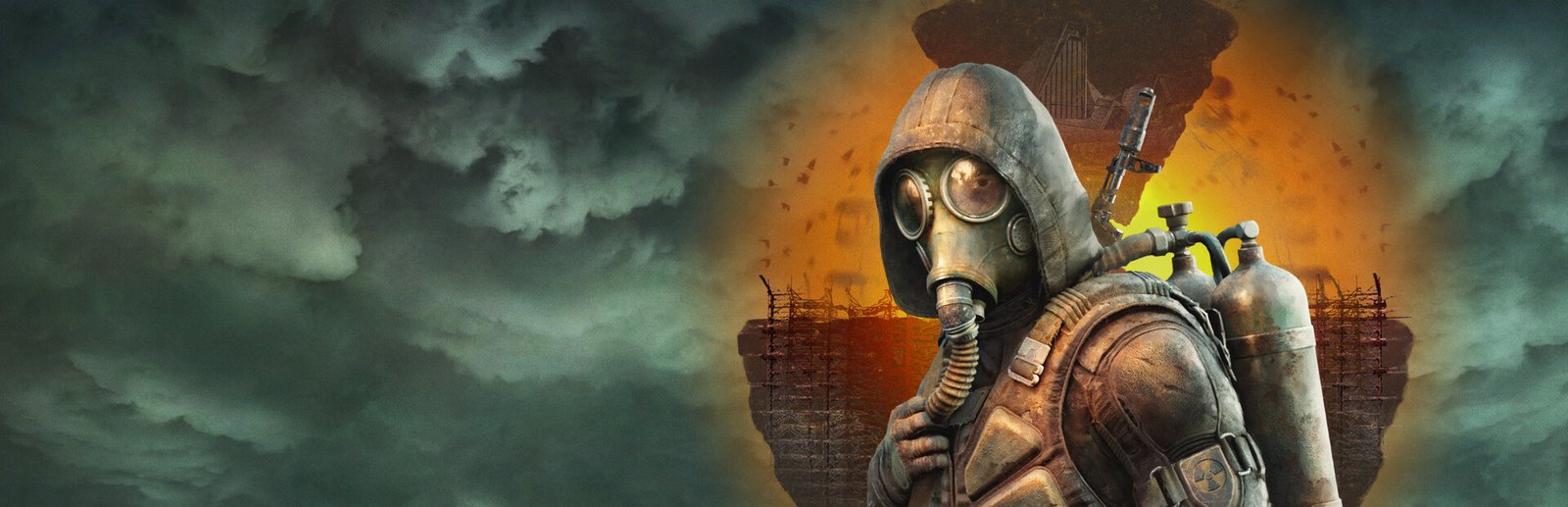
S.T.A.L.K.E.R. 2: Heart of Chornobyl System Requirements & PC Benchmark
// SYSTEM DATA ANALYSIS //
> MINIMUM REQ.
CPU: Intel Core i7-7700K
GPU: NVIDIA GeForce GTX 1060
RAM: 16
> RECOMMENDED
CPU: Intel Core i7-9700K
GPU: NVIDIA GeForce RTX 2070 Super
RAM: 16
// PROFESSIONAL_ANALYSIS //
Can your PC survive the radioactive anomalies and mutant terrors of the Chornobyl Exclusion Zone? S.T.A.L.K.E.R. 2: Heart of Chornobyl, developed and published by GSC Game World, is one of the most technologically ambitious survival shooters ever created. Built on Epic Games’ Unreal Engine 5, S.T.A.L.K.E.R. 2 features a seamless 64-square-kilometer open world powered by micro-polygon Nanite geometry, Lumen dynamic global illumination, and the autonomous A-Life 2.0 ecosystem. Surviving radioactive emissions and frantic firefights demands serious hardware horsepower. Use our interactive PC system requirements checker above to calculate your expected framerate across low, medium, high, and epic presets.
S.T.A.L.K.E.R. 2 Minimum System Requirements (1080p 30 FPS Low)
To run S.T.A.L.K.E.R. 2 at baseline playable performance (1080p resolution targeting 30 FPS on low presets with TSR or FSR upscaling enabled), GSC Game World specifies the following minimum PC specs:
- Operating System: Windows 10 or Windows 11 (64-bit)
- Processor (CPU): Intel Core i7-7700K or AMD Ryzen 5 1600X
- Graphics Card (GPU): NVIDIA GeForce GTX 1060 (6GB), AMD Radeon RX 580 (8GB), or Intel Arc A750
- System Memory (RAM): 16 GB dual-channel RAM
- DirectX: Version 12
- Storage: 160 GB available space on a Solid State Drive (SSD is strictly mandatory; HDDs are unsupported)
S.T.A.L.K.E.R. 2 Recommended System Requirements (1080p & 1440p 60 FPS High)
For a fluid 60 FPS experience at 1080p or 1440p high quality settings through anomalous storms and subterranean lab complexes, recommended hardware includes:
- Operating System: Windows 10 or Windows 11 (64-bit)
- Processor (CPU): Intel Core i7-9700K or AMD Ryzen 7 3700X
- Graphics Card (GPU): NVIDIA GeForce RTX 2070 Super, RTX 4060, or AMD Radeon RX 5700 XT (8GB+ VRAM)
- System Memory (RAM): 16 GB dual-channel high-speed RAM (DDR4-3200+ or DDR5)
- Storage: 160 GB on a fast NVMe M.2 SSD
S.T.A.L.K.E.R. 2 Epic & 4K Ultra Enthusiast Tiers (1440p / 4K 60+ FPS)
If you intend to experience the Zone at native 1440p or 4K with Epic quality presets and hardware-accelerated Lumen reflections:
- High / 1440p Spec (1440p 60 FPS High): Intel Core i7-11700K / AMD Ryzen 7 5800X, paired with an NVIDIA GeForce RTX 3070 Ti, RTX 4070, or AMD Radeon RX 6800 XT, and 32GB RAM.
- Epic / 4K Spec (4K 60+ FPS Epic): Intel Core i7-13700K / AMD Ryzen 7 7800X3D, paired with an NVIDIA GeForce RTX 4080, RTX 4090, or AMD Radeon RX 7900 XTX, and 32GB high-speed RAM.
Best S.T.A.L.K.E.R. 2 Graphics Settings for 60+ FPS & Stability
Unreal Engine 5’s Lumen and Nanite systems are resource intensive. Applying these targeted settings delivers an immediate 30% to 50% framerate increase while preserving the eerie atmospheric decay of Pripyat and the Red Forest:
- Upscaling Technology: Set DLSS, FSR 3.1, or TSR to “Quality” mode. Avoid running native TAA at 1440p/4K as UE5 upscalers are significantly faster and resolve fine vegetation better.
- Frame Generation: Enabled (vital for pushing 60-80 FPS past 100+ FPS on compatible RTX 40-series and AMD FSR 3 supported hardware).
- Global Illumination: Medium (Lumen on High or Epic traces additional light bounces through ruins, heavily penalizing GPU frametimes).
- Shadows: Medium (reduces virtual shadow map resolution while maintaining sharp directional sunlight shadows).
- Volumetric Fog Quality: Medium (dense radioactive fog during sunrise and thunderstorms is computationally heavy on High).
- Effects Quality: Medium or High (Epic effects cause framerate hitches during violent gravitational anomaly detonations).
- Motion Blur: Off (substantially improves situational awareness when scanning tree lines for bloodsuckers).
Hardware Bottlenecks: A-Life 2.0 and NVMe SSD Streaming
S.T.A.L.K.E.R. 2 features two major performance bottlenecks: CPU thread saturation and storage throughput. The A-Life 2.0 system simulates the behavior of hundreds of stalkers, bandits, and mutant packs across the entire 64 km² Zone even when they are not directly visible to the player. Furthermore, because there are no loading doors entering underground bunkers, asset streaming occurs non-stop. Running from an NVMe SSD is essential to prevent micro-freezes. If you love deep, immersive PC survival games, check our performance breakdowns for Black Myth: Wukong system requirements and Starfield.
Frequently Asked Questions (FAQ)
Can S.T.A.L.K.E.R. 2 run on an HDD?
No, GSC Game World strictly mandates an SSD. Running on a mechanical hard drive causes game-breaking asset streaming pauses, missing textures, and delayed mutant spawns.
Why is shader compilation taking a long time on first boot?
Unreal Engine 5 pre-compiles PSO (Pipeline State Objects) shaders during the initial launch to prevent stuttering during combat. This process utilizes 100% of your CPU for 5 to 15 minutes; allow it to finish completely before playing.
Is 16GB RAM enough for S.T.A.L.K.E.R. 2?
16GB is sufficient for 1080p gaming, but upgrading to 32GB of RAM is strongly advised for 1440p and 4K to prevent Windows pagefile stuttering when moving between biomes.
For official patch notes, modding toolkit announcements, and community updates, visit the official S.T.A.L.K.E.R. 2 Steam Store page. Enter your PC components into our benchmark calculator above to see if you can survive the Zone!