
Terraria System Requirements & PC Benchmark
// SYSTEM DATA ANALYSIS //
> MINIMUM REQ.
CPU: Intel Core 2 Duo 2.0+ GHz
GPU: 128mb Video Memory
RAM: 2.5
> RECOMMENDED
CPU: Intel Core i5
GPU: GeForce GTX 650
RAM: 4
// PROFESSIONAL_ANALYSIS //
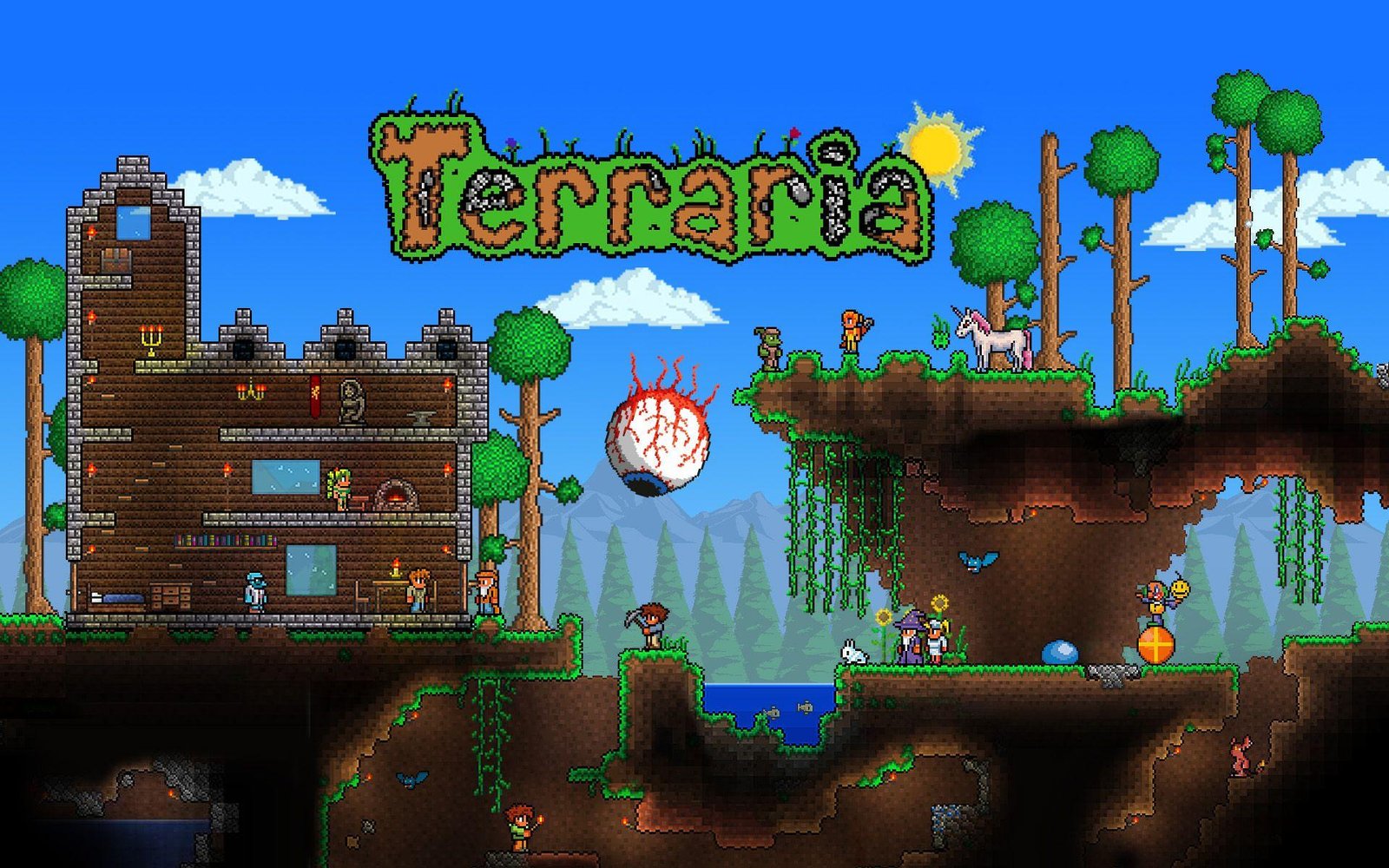
Terraria is an expansive 2D action-adventure sandbox game developed by Re-Logic, blending classic action combat with open-ended crafting, mining, and exploration. Built on a customized Microsoft XNA and FNA framework, the game generates massive subterranean worlds filled with thousands of active tiles, fluid mechanics, and chaotic boss encounters. While its 2D sprite art is universally accessible across legacy hardware, late-game events introduce surprising computational demands. Evaluate your rig’s capabilities on PCRunIt PC game benchmarks.
Terraria System Requirements Breakdown
The official minimum hardware requirements reflect Terraria’s remarkable hardware accessibility, demanding only an Intel Core 2 Duo processor clocked at 2.0 GHz, 128 MB of video memory supporting Shader Model 2.0, and 2.5 GB of system RAM. This entry-level specification is sufficient to launch the client and explore small-sized worlds on basic office laptops.
For an optimal experience across large world sizes and modded playthroughs, the recommended specifications suggest a 3.0 GHz dual-core or quad-core processor, a dedicated graphics card such as an NVIDIA GeForce GTX 650 with at least 512 MB of VRAM, and 4 GB of RAM. When venturing into heavy modding environments like tModLoader, stepping up to 8 GB of RAM is strongly advised to accommodate expanded sprite sheets and complex memory-resident mod assets. Storage requirements are virtually negligible at just 200 MB.
Hardware Bottlenecks & Engine Scaling
Terraria’s internal physics engine and game loop are fundamentally single-threaded. Game progression and physics updates are synchronized directly to your frame rate through the internal Frame Skip mechanic: if your system drops below 60 FPS with Frame Skip disabled, the entire game physically slows down into slow-motion.
During intense endgame invasion events like the Moon Lord or Pumpkin Moon, hundreds of hostile NPCs, homing projectiles, and volumetric particle effects saturate the main CPU thread with draw calls. The graphical load remains light on modern GPUs, but the choice of lighting engine significantly alters performance: switching from ‘Color’ or ‘Trippy’ to ‘White’ or ‘Retro’ lighting dramatically reduces CPU overhead. Systems with strong single-core clock speeds excel here, reflecting the CPU architecture demands of 2D sandboxes like Stardew Valley and complex procedural colony simulators like Dwarf Fortress.
FPS Optimization Tips / Best Settings
- Set Frame Skip to ‘On’: Ensuring Frame Skip is enabled prevents the game simulation from dropping into slow-motion when frame rates dip below 60 FPS.
- Switch Lighting Mode to ‘White’ or ‘Retro’: Changing Lighting from ‘Color’ or ‘Trippy’ to ‘White’ eliminates multi-color lighting calculations, instantly boosting FPS on older hardware.
- Lower Parallax and Backgrounds: Setting Background to ‘Off’ and reducing Parallax to 0 removes layered parallax scrolling overhead during rapid surface traversal.
- Disable Blood and Gore: Toggling off Gore in the interface menu reduces active sprite physics calculations during mass mob farming events.
- Close Background Applications: Freeing up system RAM and single-core CPU cycles prevents background thread contention during multi-boss multiplayer sessions.
Frequently Asked Questions
Why does Terraria run in slow motion on my PC?
Terraria ties its internal physics engine to a target 60 FPS. If your hardware cannot maintain 60 FPS and Frame Skip is turned off, the game slows down the simulation to process every physics frame sequentially.
Can Terraria take advantage of high-refresh displays?
Terraria is hardcoded to run at 60 FPS natively. Running above 60 FPS can cause physics glitches and abnormal projectile velocities, so keeping your display set to 60 Hz or enabling Frame Skip is recommended.
Does Terraria support upscaling or Ray Tracing?
Terraria uses pure 2D sprite rendering and does not support modern upscaling technologies like DLSS or FSR, nor does it feature Ray Tracing hardware acceleration.
