
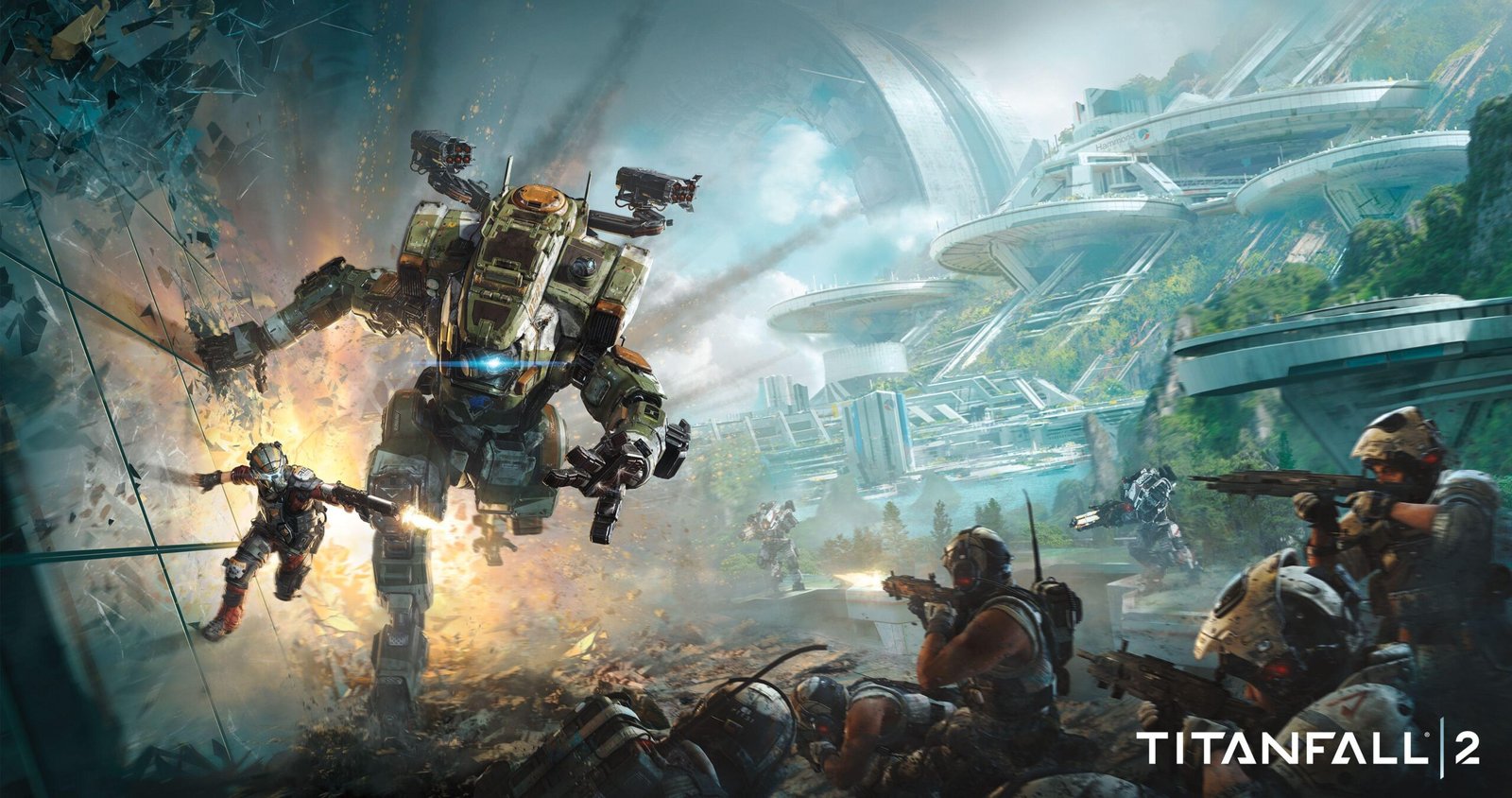
Titanfall 2 System Requirements & PC Benchmark
// SYSTEM DATA ANALYSIS //
> MINIMUM REQ.
CPU: Intel Core i3-3600t
GPU: NVIDIA GeForce GTX 660
RAM: 8
> RECOMMENDED
CPU: Intel Core i5-6600
GPU: NVIDIA GeForce GTX 1060
RAM: 16
// PROFESSIONAL_ANALYSIS //
Titanfall 2 is Respawn Entertainment’s celebrated first-person shooter masterwork, combining peerless wall-running mobility, momentum-driven pilot gunplay, and colossal mechanized Titan combat. Built on an extensively re-engineered branch of Valve’s Source Engine, the game represents a benchmark in fast-twitch multiplayer responsiveness and single-player campaign pacing. Delivering instantaneous input response demands high, stable frame rates. Benchmark your hardware setup on PCRunIt PC game benchmarks.
Titanfall 2 System Requirements Breakdown
The minimum system requirements target a fluid 720p or 900p 60 FPS baseline on Low presets, specifying an Intel Core i3-6300 or AMD FX-4350 processor, an NVIDIA GeForce GTX 660 (2 GB VRAM) or AMD Radeon HD 7850, and 8 GB of RAM. Respawn engineered these baseline specs to ensure the fast movement physics remain playable even on vintage dual-core and quad-core platforms.
To achieve competitive 1080p 60 to 144 FPS gameplay on High settings, the recommended configuration specifies an Intel Core i5-6600 or AMD Ryzen 5 1600, paired with an NVIDIA GeForce GTX 1060 (6 GB VRAM) or AMD Radeon RX 480 (8 GB VRAM), alongside 16 GB of dual-channel RAM. Storage requires 45 GB of drive space. Installing on a fast SSD ensures instantaneous level transitions during the mind-bending time-travel campaign mission, Effect and Cause.
Hardware Bottlenecks & Customized Source Engine Scaling
Respawn’s modified Source Engine features heavily overhauled rendering pipelines, including dynamic particle systems, volumetric titan smoke, and real-time shadow casting. The engine is exceptionally well-threaded, extracting maximum draw-call throughput from modern multi-core processors.
The primary hardware limitation centers around video memory allocation through the Texture Streaming Budget setting. Setting texture streaming above your graphics card’s physical VRAM capacity causes aggressive texture swapping stutters during intense multi-Titan engagements. Graphics cards equipped with 6 GB or 8 GB of VRAM handle maximum texture resolutions flawlessly, maintaining rock-solid 144 FPS targets. This fluid movement and gunplay optimization provides the technical foundation for battle royale titans like Apex Legends and tactical team shooters like Deadlock.
FPS Optimization Tips / Best Competitive Settings
- Match Texture Streaming Budget to VRAM: Set your Texture Streaming Budget strictly to your GPU’s physical VRAM (e.g., 4 GB for GTX 1650, 6 GB for GTX 1060) to eliminate hitching.
- Disable Dynamic Resolution Scaling: Turn off Adaptive Resolution FPS Target to avoid sudden visual blurring during intense mechanized battles.
- Set Ambient Occlusion to Medium: Reducing ambient occlusion recovers 8% to 10% GPU fillrate in cavernous manufacturing facilities.
- Enable TSAA for Clean Edges: Temporal Subpixel Anti-Aliasing stabilizes shimmering fence wires and industrial scaffolding during high-speed wall-runs.
- Cap Frame Rates to Display Refresh: Locking your maximum framerate to 144 Hz or 240 Hz stabilizes frame pacing and eliminates erratic input latency.
Frequently Asked Questions
What Texture Streaming Budget should I use in Titanfall 2?
Set the Texture Streaming Budget equal to or slightly below your GPU’s dedicated VRAM. Setting it higher than physical memory triggers severe asset stuttering.
Can Titanfall 2 maintain 144 FPS on modern gaming PCs?
Yes. The modified Source Engine is exceptionally well-optimized and modern mid-range GPUs easily sustain locked 144+ FPS at 1080p and 1440p resolutions.
Does Titanfall 2 support DLSS or Ray Tracing?
No. Titanfall 2 does not include native NVIDIA DLSS, AMD FSR, or Ray Tracing acceleration, relying on high-efficiency native rasterization and temporal anti-aliasing.