
War Thunder System Requirements & PC Benchmark
// SYSTEM DATA ANALYSIS //
> MINIMUM REQ.
CPU: Intel Core i3-560 or AMD Phenom II X4 965
GPU: NVIDIA GeForce GTX 660 or AMD Radeon HD 7770 or Intel HD 4000
RAM: 4
> RECOMMENDED
CPU: Intel Core i5-8400 or AMD Ryzen 5 2600
GPU: NVIDIA GeForce RTX 2060 or AMD Radeon RX 5600 XT
RAM: 16
// PROFESSIONAL_ANALYSIS //
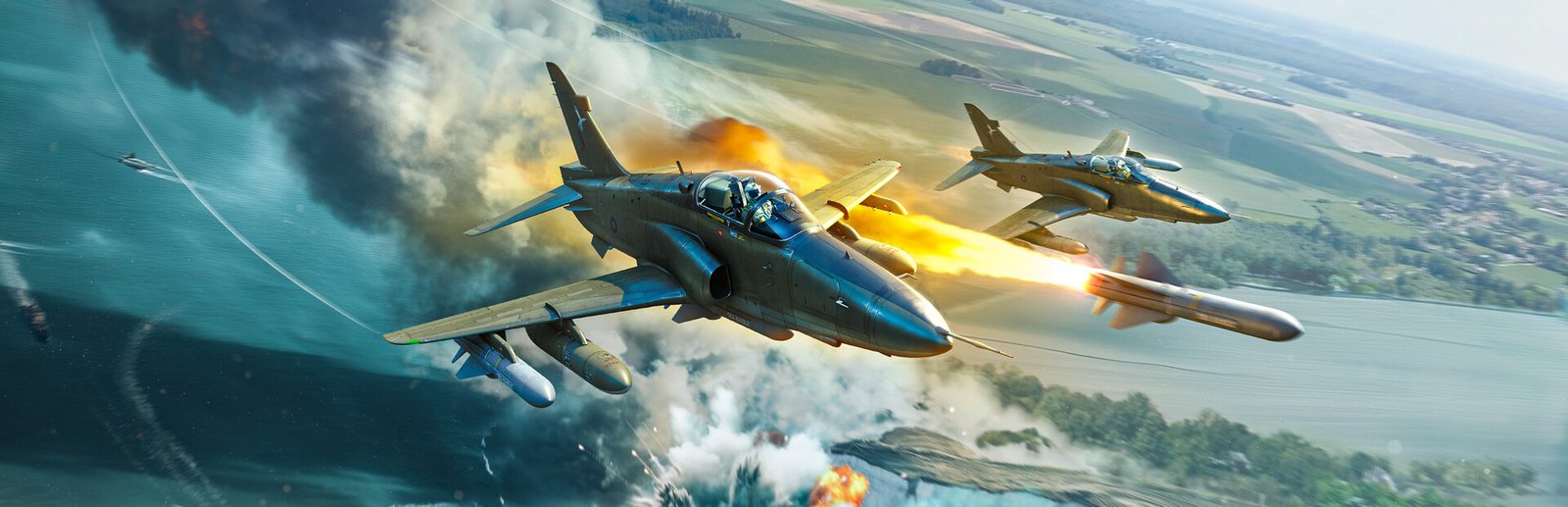
Engage in massive combined-arms military vehicular combat in War Thunder, Gaijin Entertainment’s acclaimed flight and armored vehicle simulator powered by Dagor Engine 6.5. Featuring dynamic weather, realistic ballistics, Ray-Traced Ambient Occlusion, volumetric ray-marched clouds, and supersonic jet dogfights, commanding tanks, planes, and warships requires high framerates and pixel-sharp target acquisition. Benchmark your PC setup above to check expected framerates across 1080p, 1440p, and 4K resolutions.
War Thunder Minimum System Requirements (1080p 30 FPS Low)
Baseline hardware required to run at 1080p 45-60 FPS on Low settings in air and ground battles:
- Operating System: Windows 10 (64-bit)
- Processor (CPU): Intel Core i3-560 or AMD Phenom II X4 965
- Graphics Card (GPU): NVIDIA GeForce GTX 660, AMD Radeon HD 7770, or Intel HD 4000
- System Memory (RAM): 4 GB RAM
- DirectX: Version 12
- Storage: 95 GB available space
War Thunder Recommended System Requirements (1080p/1440p 60 FPS High)
Recommended setup for 1080p/1440p 90+ FPS on High settings with full volumetric clouds and particle effects:
- Operating System: Windows 10 or Windows 11 (64-bit)
- Processor (CPU): Intel Core i5-8400 or AMD Ryzen 5 2600
- Graphics Card (GPU): NVIDIA GeForce RTX 2060 or AMD Radeon RX 5600 XT
- System Memory (RAM): 16 GB dual-channel RAM
- DirectX: Version 12
- Storage: 95 GB Solid State Drive (SSD)
War Thunder 4K Ultra Specs (60+ FPS Enthusiast Tier)
For maximum visual splendor at 4K resolution or triple-monitor/VR flight cockpits with Ultra HQ textures, ray-traced water reflections, and maximum draw distance, an Intel Core i7-13700K or AMD Ryzen 7 7800X3D paired with an RTX 4070 Ti Super or RX 7900 XT ensures a locked 120+ FPS experience.
Best War Thunder Graphics Settings for Maximum FPS
To maximize tactical clarity and identify enemy vehicle silhouettes through tree foliage without sacrificing performance:
- Clouds & Volumetric Fog Quality: Medium/High (reduces compute shader load during stormy aviation missions while retaining atmospheric immersion).
- Water Reflections & Physics: Medium (optimizes naval combat framerate without noticeable visual loss).
- Ray Tracing (RTAO & Reflections): Enable on RTX 3070 / RX 6800 XT or higher; disable in competitive ground battles for peak refresh rates.
- DLSS / FSR: Set to Quality mode for sharp long-range target reticle resolution with an instant 30% framerate boost.
- Tree & Grass Range: Adjust to Medium in realistic ground battles for improved enemy armor spotting.
Hardware Bottlenecks: Is War Thunder CPU or GPU Heavy?
War Thunder is well-balanced, falling under our balanced profile. Thanks to continuous engine optimizations in Dagor Engine 6.5, CPU multithreading distributes draw calls efficiently across multiple cores. At higher presets and resolutions, the graphics card becomes the primary bottleneck due to volumetric cloud ray marching, realistic smoke, and ray tracing. An NVMe SSD is highly recommended when using the optional Full Ultra HQ texture pack to avoid mid-air texture popping. Check out benchmarks for other military and simulation games like Assetto Corsa EVO and Armored Core VI, or browse the complete PC system requirements catalog.
Frequently Asked Questions (FAQ)
Does War Thunder support Ray Tracing on PC?
Yes, War Thunder features Ray-Traced Ambient Occlusion (RTAO) and ray-traced reflections on supported DirectX 12 graphics cards.
Can I run War Thunder on an integrated graphics chip?
Yes, the Dagor Engine features an ‘Ultra Low Quality’ (ULQ) compatibility mode designed specifically for older laptops and integrated GPUs.
Is an SSD necessary for War Thunder?
While the game functions on HDDs, an SSD is strongly recommended when using high-resolution texture packs to prevent in-flight streaming hitching.