
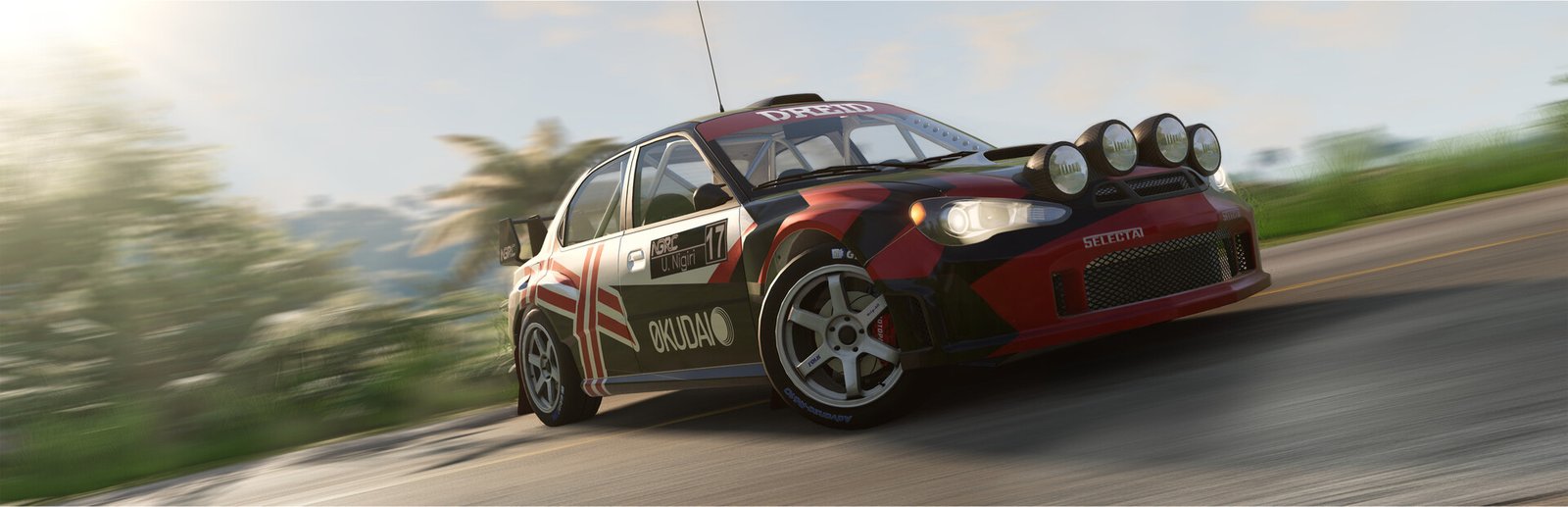
BeamNG.drive System Requirements & PC Benchmark
// SYSTEM DATA ANALYSIS //
> MINIMUM REQ.
CPU: Intel Core i5-8400 or AMD Ryzen 5 1600
GPU: NVIDIA GeForce GTX 1060 or AMD Radeon RX 570
RAM: 16
> RECOMMENDED
CPU: Intel Core i7-9700 or AMD Ryzen 7 3700X
GPU: NVIDIA GeForce RTX 3060 or AMD Radeon RX 6700
RAM: 32
// PROFESSIONAL_ANALYSIS //
Experience unmatched vehicular realism and soft-body destruction in BeamNG.drive, developed by BeamNG GmbH on a heavily customized Torque 3D engine. Every component of a vehicle—from metal body panels and suspension arms to radiator cooling loops and tire deformation—is simulated in real time using a custom multi-core physics pipeline calculating hundreds of nodes and beams 2000 times per second. Running multiple traffic vehicles or massive multi-car pileups places immense loads on your central processor and system memory. Benchmark your PC setup above to check expected framerates across 1080p, 1440p, and 4K resolutions.
BeamNG.drive Minimum System Requirements (1080p 30 FPS Low)
Baseline hardware required to run a single vehicle at 1080p 30-45 FPS on Low/Normal settings:
- Operating System: Windows 10 (64-bit)
- Processor (CPU): Intel Core i5-8400 or AMD Ryzen 5 1600
- Graphics Card (GPU): NVIDIA GeForce GTX 1060 (6GB) or AMD Radeon RX 570 (4GB)
- System Memory (RAM): 16 GB RAM
- DirectX: Version 11
- Storage: 50 GB available space (Solid State Drive strongly recommended)
BeamNG.drive Recommended System Requirements (1080p/1440p 60 FPS High)
Recommended configuration for fluid 60+ FPS with AI traffic enabled on sprawling maps like West Coast USA:
- Operating System: Windows 10 or Windows 11 (64-bit)
- Processor (CPU): Intel Core i7-9700 or AMD Ryzen 7 3700X
- Graphics Card (GPU): NVIDIA GeForce RTX 3060 (12GB) or AMD Radeon RX 6700 (10GB)
- System Memory (RAM): 32 GB high-speed dual-channel RAM
- DirectX: Version 11
- Storage: 60 GB NVMe Solid State Drive
BeamNG.drive 4K Ultra Specs (60+ FPS Enthusiast Tier)
For native 4K 60+ FPS with Ultra reflections, maximum dynamic lighting updates, high-density AI traffic fleets, and custom community vehicle mods across West Coast USA and Italy, an Intel Core i7-14700K or AMD Ryzen 7 7800X3D / 9800X3D paired with an RTX 4080 Super or RX 7900 XTX and 32 to 64 GB RAM delivers rock-solid physics simulation without time dilation.
Best BeamNG.drive Graphics Settings for Maximum FPS
Balance visual fidelity with real-time soft-body physics throughput with these settings:
- Dynamic Reflections: Set to 1 face per frame or disable during high-speed chases (dynamic cube maps re-render surrounding scenery multiple times per vehicle).
- Tire Marks & Particles: Normal (alleviates GPU fill rate drops during prolonged burnouts and heavy drifting).
- AI Traffic Amount: Set to “Auto” matching your physical CPU core count, or cap at 4-6 vehicles if experiencing physics slowing (time dilation).
- Vulkan Renderer: Test the experimental Vulkan backend in the launcher; modern GPUs often experience reduced CPU draw call latency on large maps.
- Post FX & Bloom: Medium to maintain clear windshield visibility and save shader cycles on mid-range hardware.
Hardware Bottlenecks: Is BeamNG.drive CPU or GPU Heavy?
BeamNG.drive is one of the most strictly CPU-heavy simulators in PC gaming. The proprietary soft-body physics core calculates the structural integrity of every node and beam on dedicated CPU threads—allocating roughly one CPU core per active simulated vehicle. When the CPU becomes overwhelmed, the engine engages physics time dilation (slow motion) rather than dropping frames outright. Furthermore, installing community vehicle mods and high-resolution maps quickly demands 32 GB of system RAM. Installing the game on a fast SSD is essential to avoid texture streaming hitches. Compare hardware performance with other physics-intensive and simulation titles like War Thunder, Escape from Tarkov, or browse our complete PC system requirements catalog.
Frequently Asked Questions (FAQ)
Why does BeamNG.drive slow down when spawning multiple AI cars?
Each simulated vehicle requires an independent CPU physics worker thread. If the number of spawned vehicles exceeds your processor’s available CPU cores/threads, the engine slows physics time to ensure calculations remain mathematically accurate.
Is 32 GB of RAM really recommended for BeamNG.drive?
Yes. While the base game runs on 16 GB, loading large maps with active AI traffic alongside community vehicle mods frequently pushes RAM usage beyond 18-22 GB.
Should I use the DirectX 11 or Vulkan renderer?
DirectX 11 offers the highest stability across all hardware. However, the experimental Vulkan renderer often yields noticeably better framerates on modern AMD and NVIDIA graphics cards on complex maps.