
Arma Reforger System Requirements & PC Benchmark
// SYSTEM DATA ANALYSIS //
> MINIMUM REQ.
CPU: Intel Core i5-4460 or AMD FX-4300
GPU: NVIDIA GeForce GTX 1650 Super or AMD Radeon RX 5300
RAM: 8
> RECOMMENDED
CPU: Intel Core i7-6700 or AMD Ryzen 5 1600
GPU: NVIDIA GeForce RTX 2060 or AMD Radeon RX 5600 XT
RAM: 16
// PROFESSIONAL_ANALYSIS //
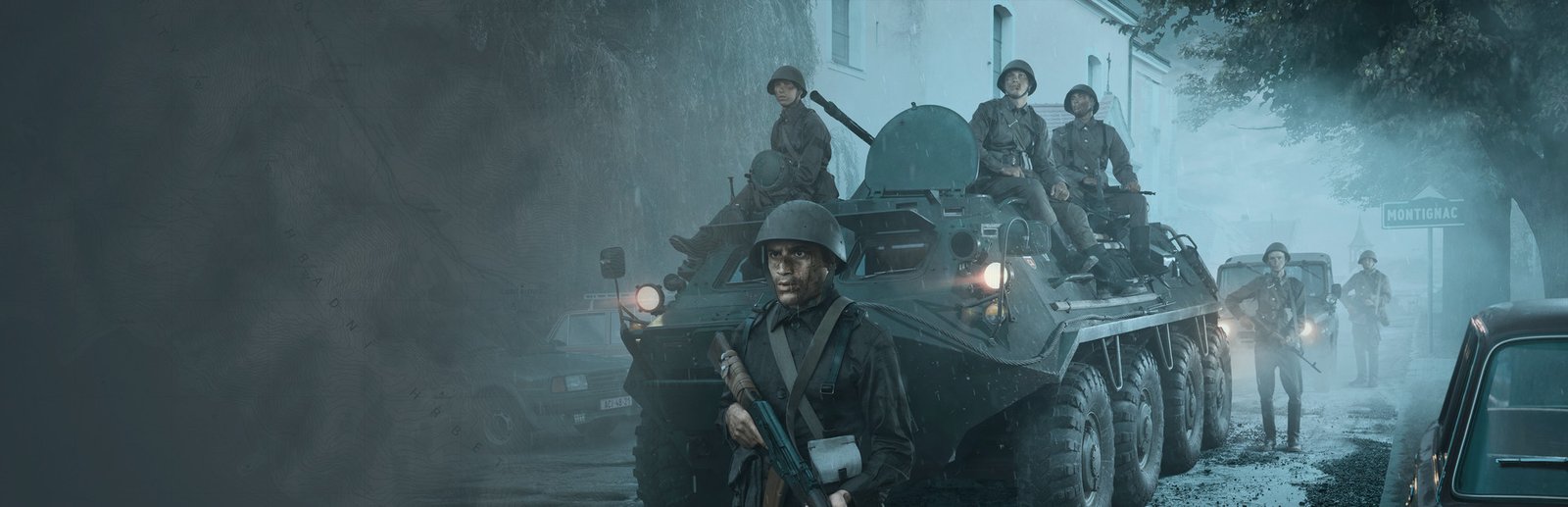
Experience authentic Cold War combined-arms warfare across the mid-Atlantic island of Everon in Arma Reforger, developed by Bohemia Interactive on the brand-new Enfusion Engine. Serving as the versatile technological foundation for Arma 4, the game introduces modern multi-threaded architecture, physics-driven vehicle handling, modular destruction, and dynamic weather across a 51-square-kilometer battlefield. In large 128-player Conflict matches with active radio communication networks and helicopter logistics, steady framerates are vital. Benchmark your PC setup above to check expected framerates across 1080p, 1440p, and 4K resolutions.
Arma Reforger Minimum System Requirements (1080p 30 FPS Low)
Baseline hardware required to run Arma Reforger at 1080p 30 FPS on Low settings with DirectX 12 hardware:
- Operating System: Windows 10 (64-bit)
- Processor (CPU): Intel Core i5-4460 or AMD FX-4300
- Graphics Card (GPU): NVIDIA GeForce GTX 1650 Super (4GB) or AMD Radeon RX 5300 (3GB)
- System Memory (RAM): 8 GB RAM
- DirectX: Version 12 (Feature Level 12_0 required)
- Storage: 20 GB available space (Solid State Drive recommended)
Arma Reforger Recommended System Requirements (1080p/1440p 60 FPS High)
Recommended configuration for stable 60+ FPS during intense 128-player multiplayer battles on High visual presets:
- Operating System: Windows 10 or Windows 11 (64-bit)
- Processor (CPU): Intel Core i7-6700 or AMD Ryzen 5 1600
- Graphics Card (GPU): NVIDIA GeForce RTX 2060 (6GB) or AMD Radeon RX 5600 XT (6GB)
- System Memory (RAM): 16 GB high-speed dual-channel RAM
- DirectX: Version 12
- Storage: 25 GB NVMe Solid State Drive
Arma Reforger 4K Ultra Specs (60+ FPS Enthusiast Tier)
For native 4K 60+ FPS with maximum Enfusion grass density, volumetric cloud simulations, long-range terrain streaming, and smooth high-magnification sniper optics across Montignac and Saint-Philippe, an Intel Core i7-14700K or AMD Ryzen 7 7800X3D paired with an RTX 4070 Ti Super or Radeon RX 7900 XT and 32 GB RAM provides fluid military simulation.
Best Arma Reforger Graphics Settings for Maximum FPS
Maximize tactical visibility and stabilize framerates during heavy armor and infantry firefights with these settings:
- Grass & Foliage Quality: Low or Medium (preserves fair multiplayer visibility while significantly alleviating draw call strain on the CPU).
- Shadow Quality: Medium (provides accurate building shading without the severe compute overhead of Ultra soft shadows).
- Render Scale & AMD FSR: Set Render Scale to 100% and enable AMD FSR for an immediate 15-25% framerate uplift without blurring iron sights.
- Water Quality: Medium (greatly improves framerates when operating along coastal waterways and river crossings).
- Post-Processing Quality: Medium (maintains clear night-vision goggles contrast without heavy motion blur).
Hardware Bottlenecks: Is Arma Reforger CPU or GPU Heavy?
Arma Reforger is primarily CPU-heavy. While Bohemia’s next-generation Enfusion engine distributes rendering across multiple CPU cores far more effectively than the legacy Real Virtuality engine used in Arma 3, large 128-player multiplayer matches still generate immense single-thread loads. The CPU must arbitrate complex network replication, vehicle suspension physics, AI squads, and ballistics calculations across the 51 km² island. Processors featuring high single-core IPC and large L3 caches (such as AMD’s 3D V-Cache lineup) yield substantial framerate improvements. Installing the game on a high-speed SSD eliminates micro-stutters when flying helicopters across sector boundaries. Compare performance requirements with other tactical sandbox shooters like Squad, Escape from Tarkov, or browse our complete PC system requirements catalog.
Frequently Asked Questions (FAQ)
Does Arma Reforger require DirectX 12?
Yes, the Enfusion Engine strictly mandates DirectX 12 (Feature Level 12_0); older DirectX 11 graphics cards cannot launch the game.
Can I run Arma Reforger on 8 GB of RAM?
While 8 GB is the official minimum, Bohemia strongly recommends 16 GB for multiplayer servers and modded Game Master scenarios to prevent stuttering.
Is Arma Reforger better optimized than Arma 3?
Yes, the modern Enfusion Engine features true multi-core processor threading and modern Vulkan/DirectX 12 API support, eliminating many of Arma 3’s famous single-thread CPU bottlenecks.