
Squad System Requirements & PC Benchmark
// SYSTEM DATA ANALYSIS //
> MINIMUM REQ.
CPU: Intel Core i5-8400 or AMD Ryzen 5 3600
GPU: NVIDIA GeForce GTX 1060 or AMD Radeon RX 580
RAM: 8
> RECOMMENDED
CPU: Intel Core i5-12400 or AMD Ryzen 5 5600
GPU: NVIDIA GeForce RTX 3060 or AMD Radeon RX 6600 XT
RAM: 16
// PROFESSIONAL_ANALYSIS //
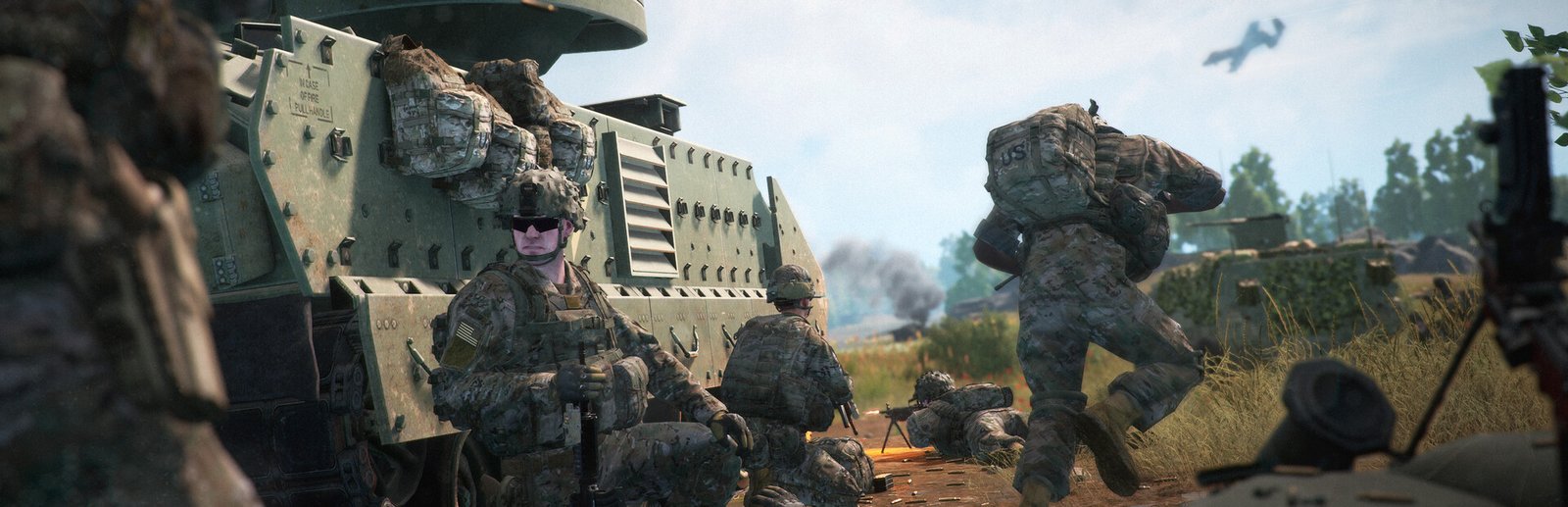
Experience authentic modern combined-arms warfare in Squad, developed by Offworld Industries on Unreal Engine 4. Pitching 100 players into massive 16-square-kilometer battlefields featuring mechanized infantry divisions, attack helicopters, logistics supply chains, and complex forward base building, Squad places intense demands on processor instruction pipelines and system memory. Benchmark your PC setup above to check anticipated framerates across 1080p, 1440p, and 4K resolutions.
Squad Minimum System Requirements (1080p 30 FPS Low)
Baseline hardware required to run Squad at 1080p 30-45 FPS on Low settings with temporal upscaling:
- Operating System: Windows 10 (64-bit)
- Processor (CPU): Intel Core i5-8400 or AMD Ryzen 5 3600
- Graphics Card (GPU): NVIDIA GeForce GTX 1060 (6GB) or AMD Radeon RX 580 (8GB)
- System Memory (RAM): 8 GB RAM (16 GB strongly advised)
- DirectX: Version 12
- Storage: 65 GB available space (Solid State Drive strictly required)
Squad Recommended System Requirements (1080p/1440p 60 FPS High)
Recommended configuration for stable 60+ FPS during chaotic 50v50 artillery barrages and armor engagements:
- Operating System: Windows 10 or Windows 11 (64-bit)
- Processor (CPU): Intel Core i5-12400 or AMD Ryzen 5 5600
- Graphics Card (GPU): NVIDIA GeForce RTX 3060 (12GB) or AMD Radeon RX 6600 XT (8GB)
- System Memory (RAM): 16 GB high-speed dual-channel RAM
- DirectX: Version 12
- Storage: 65 GB NVMe Solid State Drive
Squad 4K Ultra Specs (60+ FPS Enthusiast Tier)
For native 4K 60+ FPS with maximum view distance, ultra foliage density, realistic artillery smoke particles, and uncapped sniper scope clarity across Fallujah and Gorodok, an Intel Core i7-14700K or AMD Ryzen 7 7800X3D (with 3D V-Cache) paired with an RTX 4080 Super or RX 7900 XTX and 32 GB RAM delivers unwavering combat framerates.
Best Squad Graphics Settings for Maximum FPS
Eliminate scope stutter and boost competitive framerates during combined-arms engagements with these optimizations:
- Shadow Quality: Medium (reduces cascading shadow map overhead significantly without compromising infantry silhouette detection).
- Foliage Quality: Low or Medium (minimizes micro-stutter in dense woodland maps like Manicouagan while leveling visual target acquisition).
- Particle Quality: Medium (drastically stabilizes framerates when heavy mortar barrages and smoke grenades detonate nearby).
- DLSS / FSR: Set to Quality mode for sharper weapon optics and clean anti-aliasing without blur.
- DirectX 11 vs DirectX 12: Switch to DX11 if experiencing unexplained crashing on older GPUs; DX12 offers better CPU thread distribution on modern rigs.
Hardware Bottlenecks: Is Squad CPU or GPU Heavy?
Squad is notoriously CPU-heavy. In full 100-player servers, the game’s main thread handles real-time vehicle ballistic physics, network replication of dozens of simultaneous projectile trajectories, voice chat audio mixing, and large map entity tracking. Processors with high single-core IPC and massive L3 cache—such as AMD’s X3D series—yield dramatic 1% low FPS improvements over high-core-count processors with slower clocks. An SSD is strictly mandatory, as mechanical drives cause catastrophic hitching when aiming through high-magnification picture-in-picture scopes. Compare hardware profiles with other large-scale tactical military titles such as Escape from Tarkov, War Thunder, or explore our full PC system requirements catalog.
Frequently Asked Questions (FAQ)
Why does Squad drop frames when zooming through weapon scopes?
Squad uses picture-in-picture (PiP) optic rendering, which renders the game world twice simultaneously when scoping in, resulting in a known 15-25% GPU/CPU overhead.
Is 16 GB of RAM enough for Squad?
16 GB is the recommended baseline, but on large maps with custom mods and heavy server scripting, Squad can exceed 14 GB of system RAM usage. 32 GB is optimal for background multitasking.
Does AMD 3D V-Cache improve Squad performance?
Yes, processors like the Ryzen 7 5700X3D, 5800X3D, and 7800X3D provide substantial framerate boosts in Squad, largely eliminating the single-thread bottlenecks common on 100-player servers.