Stray System Requirements & PC Benchmark
// SYSTEM DATA ANALYSIS //
> MINIMUM REQ.
CPU: Intel Core i5-2300
GPU: NVIDIA GeForce GTX 650 Ti
RAM: 8
> RECOMMENDED
CPU: Intel Core i5-8400
GPU: NVIDIA GeForce GTX 780
RAM: 8
// PROFESSIONAL_ANALYSIS //
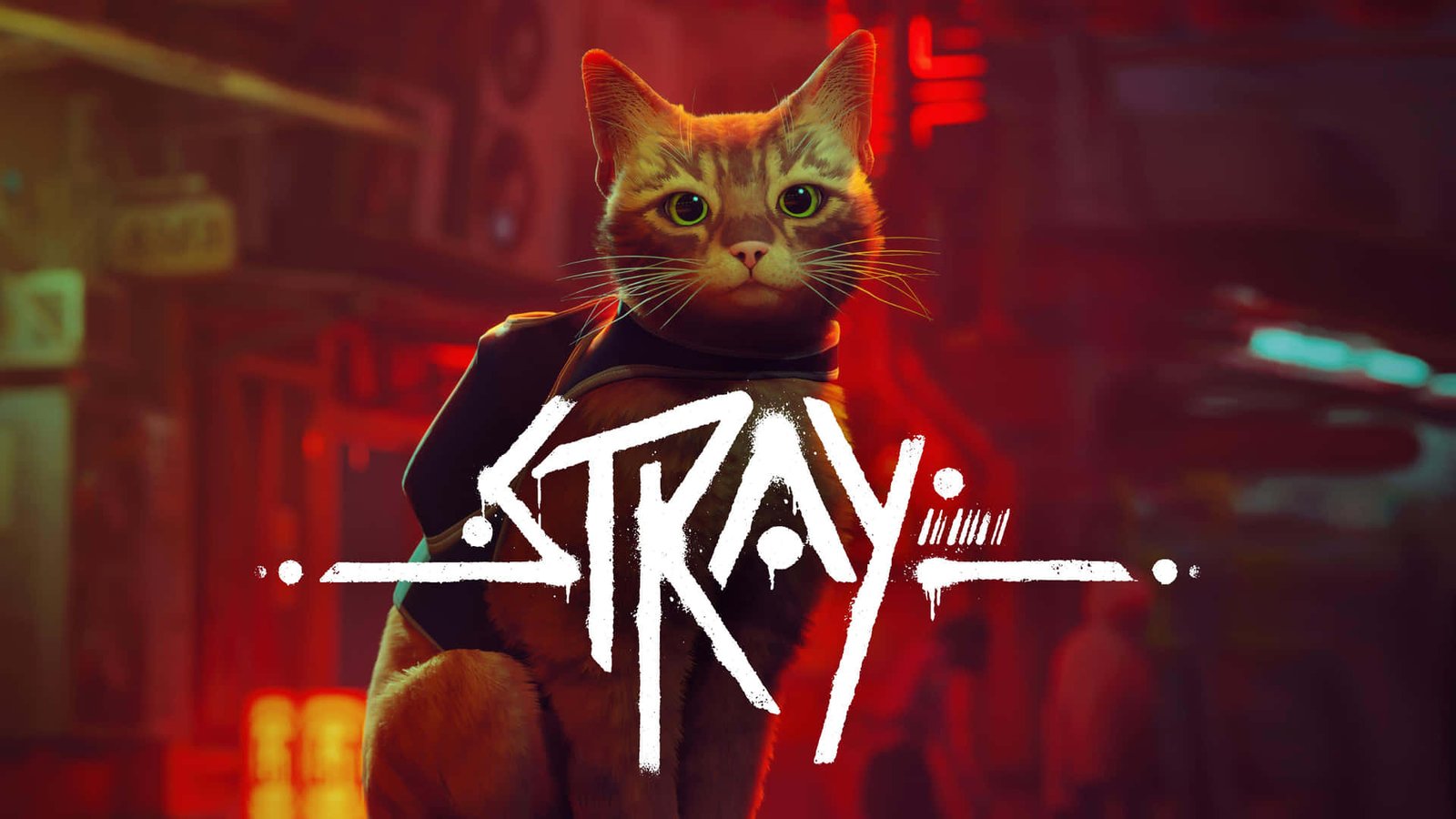
Stray is BlueTwelve Studio’s captivating third-person adventure, placing players in the paws of a stray cat navigating the neon-drenched alleys and decayed underbelly of a forgotten cybercity. Developed in Unreal Engine 4 and published by Annapurna Interactive, the game blends atmospheric environmental storytelling with complex feline motion physics and moody post-industrial lighting. While visually compact, its dense dystopian atmosphere imposes distinct graphical requirements. Benchmark your gaming setup against our comprehensive database on PCRunIt PC game benchmarks.
Stray System Requirements Breakdown
The minimum system requirements target 1080p 30 FPS on Low settings, specifying an Intel Core i5-2300 or AMD FX-6350 processor, an NVIDIA GeForce GTX 650 Ti (2 GB VRAM) or AMD Radeon R7 360, and 8 GB of RAM. This baseline allows entry-level computers to experience the narrative, but low video memory causes visible texture popping and softens delicate feline fur rendering.
To achieve a fluid 1080p 60 FPS presentation on High presets, BlueTwelve recommends an Intel Core i5-8400 or AMD Ryzen 5 2600, paired with an NVIDIA GeForce GTX 780 (3 GB VRAM) or AMD Radeon R9 290X, alongside 8 GB of dual-channel system memory. Storage is exceptionally light at just 10 GB. Installing on a Solid State Drive (SSD) is strongly advised to prevent asset streaming hitches when sprinting through bustling hub districts like The Slums or Midtown.
Hardware Bottlenecks & Unreal Engine 4 Demands
Stray’s visual presentation relies on layered screen-space reflections, volumetric steam, and dynamic neon light propagation inside compact urban environments. In rain-slicked neon avenues, GPU fillrate and shader execution become the primary performance bottlenecks, reducing frame rates on older graphics cards.
Furthermore, Unreal Engine 4 asset streaming and shader compilation introduce noticeable micro-stutters when first entering densely populated robot hubs or during chaotic Zurk chase sequences where dozens of swarming entities navigate on-screen simultaneously. The CPU handles pathfinding physics for swarms with minimal overhead, but single-thread draw calls increase sharply inside Midtown’s multi-tier commercial streets. This dense urban lighting atmosphere shares visual architectural similarities with dystopian cyberpunk open worlds like Cyberpunk 2077 and intricate atmospheric survival remakes like Resident Evil 2.
FPS Optimization Tips / Best Performance Settings
- Lower Effects Quality to Medium: Dropping Effects Quality relieves compute shader strain during heavy rain and neon reflection rendering without diminishing scene mood.
- Reduce Shadow Quality from High to Medium: Setting shadows to Medium provides an immediate 10% to 15% FPS boost in shadowy subterranean sewer corridors.
- Cap Frame Rate to 60 FPS: Locking frame rates stabilizes frame pacing and eliminates erratic GPU power spikes during rapid camera rotations.
- Install on an SSD: Storing the game on solid-state media eliminates asset decompression stutters when transitioning between city sectors.
- Disable Motion Blur: Turning off motion blur sharpens feline animations and improves traversal clarity across narrow pipes and air-conditioning units.
Frequently Asked Questions
Why does Stray experience stuttering in Midtown?
Midtown features dense multi-tiered geometry and extensive screen-space reflections. Background level streaming and shader dispatching cause momentary CPU and VRAM throughput hitches.
Can Stray run on integrated graphics?
Modern integrated GPUs like Intel Iris Xe and AMD Radeon 600M can achieve playable 720p or 900p frame rates on Low settings, but older Intel HD Graphics will struggle below 25 FPS.
Does Stray support DLSS, FSR, or Ray Tracing?
Stray does not officially feature native NVIDIA DLSS, AMD FSR, or Ray Tracing hardware acceleration, relying on native rasterization, dynamic resolution scaling, and temporal anti-aliasing.