Lost Ark System Requirements & PC Benchmark
// SYSTEM DATA ANALYSIS //
> MINIMUM REQ.
CPU: Intel i3
GPU: GeForce GTX 460
RAM: 8
> RECOMMENDED
CPU: Intel i5
GPU: GeForce GTX 1050
RAM: 16
// PROFESSIONAL_ANALYSIS //
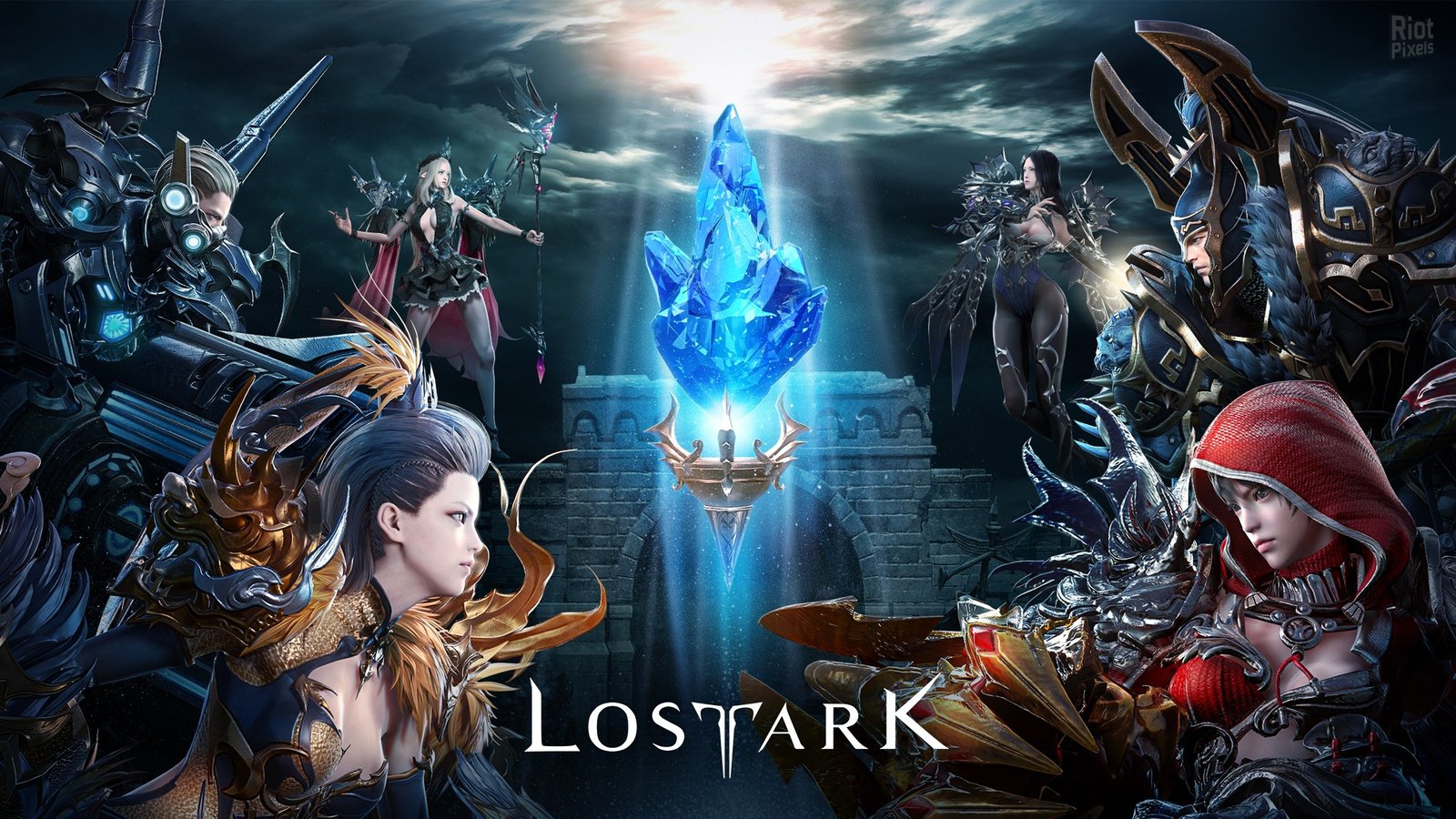
Verifying the official system requirements for Lost Ark is essential before setting sail across the continents of Arkesia. Developed by Smilegate RPG and published in the West by Amazon Games, this action-packed MMORPG combines isometric hack-and-slash combat with cinematic boss encounters and massive raid mechanics. Use our free PC benchmark simulator above to test your hardware components and get an accurate FPS estimate for Chaos Dungeons, Guardian Raids, and Legion Raids.
Lost Ark System Requirements Breakdown
The minimum system requirements for Lost Ark require an Intel Core i3 or AMD Ryzen 3 processor, 8 GB of RAM, a DirectX 11 compatible graphics card with 1 GB of VRAM (such as an NVIDIA GeForce GTX 460 or AMD Radeon HD 6850), and 50 GB of storage space. This setup allows you to play at 720p or 1080p on Low presets, which is adequate for early-game leveling through continents like East Luterra, Tortoyk, and Anikka.
For a fluid 1080p or 1440p experience at 60 FPS or higher on Very High presets, Smilegate recommends an Intel Core i5 or AMD Ryzen 5 six-core processor paired with 16 GB of dual-channel system memory and an NVIDIA GeForce GTX 1050 (or GTX 1660 Super) / AMD Radeon RX 580 or RX 5600 XT with at least 4 GB of VRAM. While Lost Ark is powered by a heavily customized Unreal Engine 3 branch, its modern DirectX 11 renderer offers impressive particle lighting, crisp character models, and responsive isometric combat.
Performance Analysis: Chaos Dungeons vs. 8-Man Legion Raids
Hardware scaling in Lost Ark is divided into two distinct gameplay scenarios:
1. Solo Content & Chaos Dungeons: When clearing monster hordes in Chaos Dungeons or sailing the open seas, Lost Ark runs exceptionally well. Mid-range GPUs like the GTX 1660, RTX 3050, or RX 6600 easily push 100+ FPS at 1080p and 1440p with stable frame times.
2. Legion Raids & World Boss Events: In demanding endgame encounters (such as Valtan, Vykas, Kakul-Saydon, and Brelshaza) or open-world Chaos Gates with dozens of players casting flashy awakening skills simultaneously, the engine experiences a DirectX 11 single-core draw call limit. Processors with fast single-core clock frequencies and low memory latency are essential to prevent sudden FPS drops during critical raid wipe mechanics.
Key Optimization Settings for Raid Stability
If you experience stuttering or framerate dips during complex boss fights, apply these high-impact optimizations in the game settings:
- Filter Battle Effects: Under Settings > Gameplay > Show Combat / Pet, set “Battle Effects Display” to “Include Buff Effects of Party Members Only”. This single tweak hides hundreds of unnecessary spell animations while keeping crucial support buffs and boss telegraph indicators clearly visible, dramatically boosting framerates in 8-player raids.
- Install on an SSD: An NVMe or SATA SSD is practically essential for Lost Ark. It eliminates the infamous initial game launch delay and speeds up continent loading screens significantly.
- Disable Auto Optimization: Located under Video Settings, disable Auto Optimization if you have a dedicated graphics card. This prevents the dynamic resolution scaler from randomly blurring your screen during brief action spikes.
Frequently Asked Questions
Can Lost Ark run on a laptop with integrated graphics?
Yes. Modern integrated chips like Intel Iris Xe or AMD Radeon 680M/780M can run Lost Ark at 1080p on Low-to-Medium presets with framerates averaging between 40 and 55 FPS in solo dungeons.
Is 16 GB of RAM really necessary, or will 8 GB work?
While 8 GB is technically supported, the client frequently utilizes 7 to 9 GB of RAM when running alongside Discord, web browsers, and anti-cheat software. 16 GB of dual-channel RAM ensures zero micro-stuttering during zone transitions.
Does Lost Ark support 21:9 Ultrawide display mode?
Yes. Lost Ark natively supports 21:9 ultrawide aspect ratios, and even includes a built-in “Force 21:9 Aspect Ratio” toggle for standard 16:9 monitors. This provides a wider vertical field of view, giving players a tactical advantage in PvP and raid mechanics.