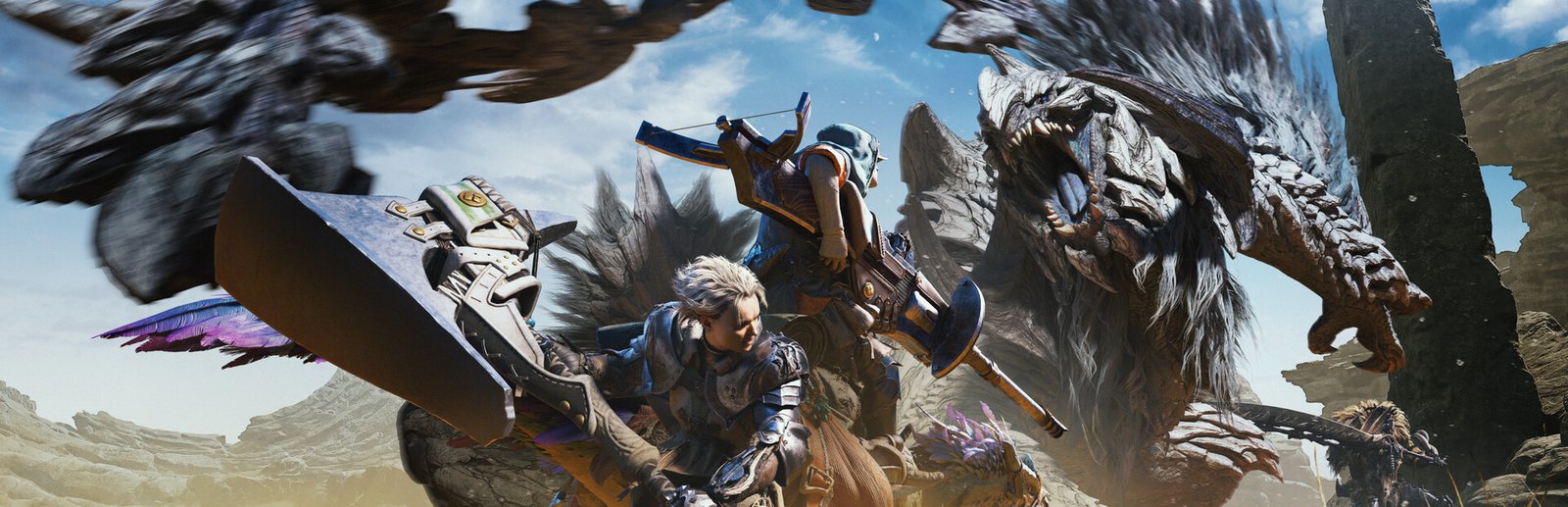
Monster Hunter Wilds System Requirements & PC Benchmark
// SYSTEM DATA ANALYSIS //
> MINIMUM REQ.
CPU: Intel Core i5-10600 or AMD Ryzen 5 3600
GPU: NVIDIA GeForce GTX 1660 Super (6GB) or AMD Radeon RX 5600 XT
RAM: 16
> RECOMMENDED
CPU: Intel Core i5-11600K or AMD Ryzen 5 5600X
GPU: NVIDIA GeForce RTX 2070 Super or RTX 4060 (8GB) or AMD Radeon RX 6700 XT
RAM: 16
// PROFESSIONAL_ANALYSIS //
Prepare for the ultimate expedition in Monster Hunter Wilds, developed by Capcom and built upon their heavily upgraded RE Engine. Featuring dynamic, living ecosystems with shifting weather phenomenons across the Forbidden Lands, simultaneous herds of gargantuan apex monsters, DirectStorage GPU asset decompression, and an advanced DirectX 12 mesh shader pipeline, running Monster Hunter Wilds smoothly requires substantial CPU draw call headroom and robust VRAM bandwidth. Benchmark your gaming setup using our interactive live PC system requirements calculator above to simulate expected frame rates across 1080p, 1440p, and 4K resolutions.
Monster Hunter Wilds Minimum System Requirements (1080p 30 FPS Low w/ Upscaling)
Baseline hardware required for 1080p 30 FPS gameplay on Low graphic presets with temporal upscaling active:
- Operating System: Windows 10 (64-bit, latest service pack)
- Processor (CPU): Intel Core i5-10600 or AMD Ryzen 5 3600
- Graphics Card (GPU): NVIDIA GeForce GTX 1660 Super (6GB) or AMD Radeon RX 5600 XT (6GB)
- System Memory (RAM): 16 GB high-speed dual-channel RAM
- DirectX: Version 12 (DirectX 12 Agility SDK)
- Storage: 140 GB available space (NVMe or SATA Solid State Drive mandatory)
Monster Hunter Wilds Recommended System Requirements (1080p/1440p 60 FPS High)
Recommended system configuration for fluid 60 FPS combat on High settings with crisp monster tracking and rich particle post-processing:
- Operating System: Windows 10 or Windows 11 (64-bit)
- Processor (CPU): Intel Core i5-11600K or AMD Ryzen 5 5600X
- Graphics Card (GPU): NVIDIA GeForce RTX 2070 Super or RTX 4060 (8GB) or AMD Radeon RX 6700 XT (12GB)
- System Memory (RAM): 16 GB high-speed dual-channel DDR4/DDR5 RAM
- DirectX: Version 12 Ultimate
- Storage: 140 GB NVMe M.2 Solid State Drive (DirectStorage supported)
Monster Hunter Wilds 4K Ultra Specs (60+ FPS Enthusiast Tier – Capcom RE Engine)
For breathtaking 4K resolution at 60+ FPS with maximum draw distance, pristine particle density, and full Ray Tracing reflections and ambient occlusion in the Forbidden Lands, an Intel Core i7-14700K or AMD Ryzen 7 7800X3D paired with an NVIDIA GeForce RTX 4080 Super / RTX 4090 or AMD Radeon RX 7900 XTX with 32 GB RAM is essential to prevent texture pool eviction and memory thrashing.
Best Monster Hunter Wilds Graphics Settings for Maximum FPS
To achieve significant framerate stability without visibly diminishing the visual fidelity of Monster Hunter Wilds, adjust these key settings in the graphics options:
- Volumetric Fog & Weather Effects: Medium. Severe sandstorms and torrential rains in the Windward Plains generate intensive compute shader passes; lowering this from Ultra grants a 15% to 22% frame rate uplift.
- Shadow Quality & Cascades: High instead of Max. Preserves crisp contact shadows beneath massive monsters while saving critical GPU rasterization cycles.
- Mesh & LOD Draw Distance: High. Ensures vast vistas and distant herds render smoothly without aggressive pop-in while avoiding extreme CPU draw call bottlenecks.
- Ray Tracing (Reflections & AO): Keep Off on GPUs with 8GB VRAM; enable on 12GB+ modern cards (RTX 4070+ / RX 7800 XT+) with DLSS/FSR Quality to maintain consistent frame pacing.
- Temporal Upscaling (DLSS / FSR / XeSS): Quality mode recommended for 1440p and 4K to restore native rendering clarity while accelerating overall throughput.
- Frame Generation (DLSS 3 / FSR 3): Enable on compatible GPUs when baseline performance exceeds 45 FPS to achieve high refresh rate responsiveness during fast-paced monster hunts.
Hardware Bottlenecks: Is Monster Hunter Wilds CPU or GPU Heavy?
Monster Hunter Wilds is heavily GPU-bound at 1440p and 4K, while remaining exceptionally demanding on multi-threaded CPU performance during environmental transitions. Unlike traditional linear action titles, the RE Engine simulates living food chains, territory disputes between packs of monsters, and dynamic weather alterations in real time. Systems with quad-core CPUs or single-channel RAM will suffer from micro-stutters during heavy combat encounters. Furthermore, texture assets require at least 8GB VRAM at 1080p and 12GB+ at 1440p/4K to avoid VRAM oversubscription. Compare your rig against other demanding open-world titles on our complete PC games benchmark catalog.
Frequently Asked Questions (FAQ)
Is an SSD mandatory for Monster Hunter Wilds?
Yes, an NVMe or fast SATA SSD is strictly mandatory for Monster Hunter Wilds. The upgraded RE Engine utilizes continuous background streaming and DirectStorage API for terrain, seamless camp transitions, and high-polygon monster assets. Running the game on a mechanical HDD causes prolonged loading screens, audio desynchronization, and severe texture pop-in.
Can I play Monster Hunter Wilds on handheld PCs like Steam Deck or ROG Ally?
Yes, Monster Hunter Wilds is playable on handheld gaming devices such as the Steam Deck, ASUS ROG Ally, and Lenovo Legion Go. To achieve a stable 30 to 40 FPS, configure graphics to Low/Medium presets at 720p/800p and activate AMD FSR in Quality or Balanced mode.
Does Monster Hunter Wilds support NVIDIA DLSS 3 and AMD FSR 3 Frame Generation?
Yes, Monster Hunter Wilds features official day-one support for both NVIDIA DLSS 3 Frame Generation and AMD FSR 3.1. This allows GeForce RTX 40-series and modern Radeon RX 6000/7000 users to effectively double perceived frame rates when baseline performance is above 40 FPS.
Why does Monster Hunter Wilds exhibit heavy CPU and VRAM usage on PC?
Monster Hunter Wilds utilizes the DirectX 12 Agility SDK with intensive mesh shaders and complex AI routines for dozens of environmental creatures. In dense biomes like the Windward Plains, CPU draw calls spike during sudden weather changes, while high-resolution texture pools rapidly consume 8GB to 12GB of VRAM.