
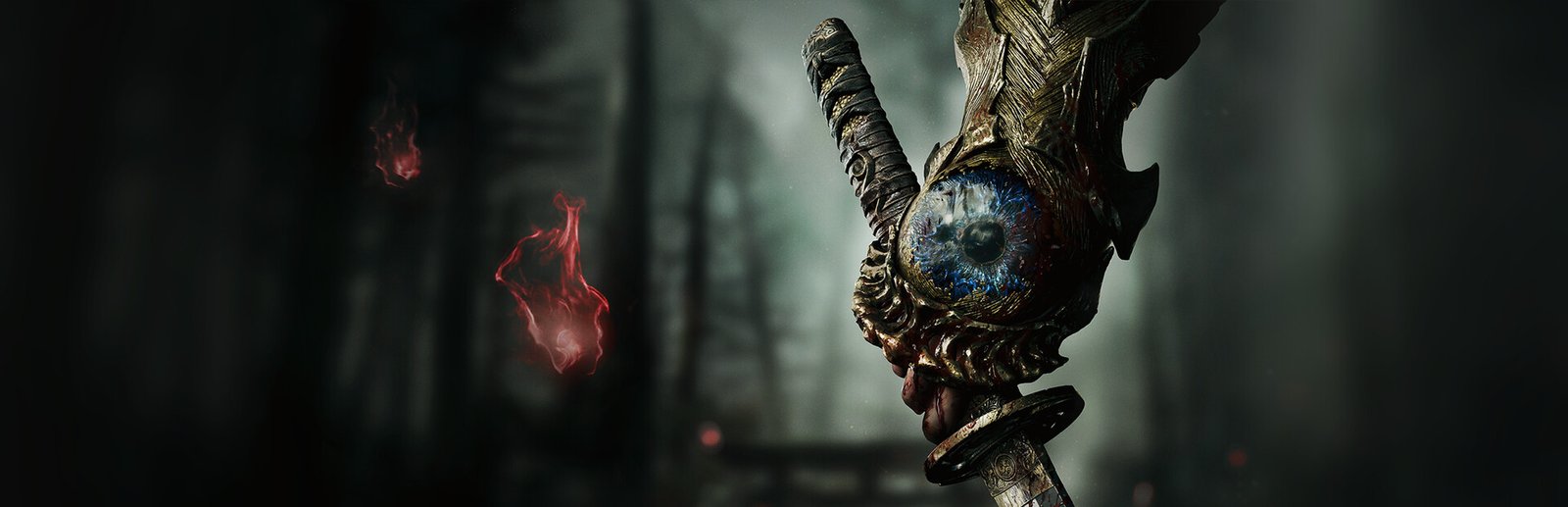
Onimusha: Way of the Sword System Requirements & PC Benchmark
// SYSTEM DATA ANALYSIS //
> MINIMUM REQ.
CPU: Intel Core i5-8400 or AMD Ryzen 3 3100
GPU: NVIDIA GeForce GTX 1660 or AMD Radeon RX 5500 XT
RAM: 16
> RECOMMENDED
CPU: Intel Core i5-10400 or AMD Ryzen 5 3600
GPU: NVIDIA GeForce RTX 2060 Super or AMD Radeon RX 6600
RAM: 16
// PROFESSIONAL_ANALYSIS //
Experience the intense resurgence of feudal demon-slaying in Onimusha: Way of the Sword, developed by CAPCOM on an advanced iteration of the RE Engine. Featuring lightning-fast Issen counter parry mechanics, hardware-accelerated katana blade reflections, dynamic blood splatter physics, and supernatural Sengoku environments, conquering Genma warlords demands blistering framerates and minimal click-to-reaction latency. Benchmark your PC setup above to check expected framerates across 1080p, 1440p, and 4K resolutions.
Onimusha: Way of the Sword Minimum System Requirements (1080p 30 FPS Low)
Baseline hardware required for 1080p 30 FPS on Low settings with temporal upscaling enabled:
- Operating System: Windows 11 (64-bit)
- Processor (CPU): Intel Core i5-8400 or AMD Ryzen 3 3100
- Graphics Card (GPU): NVIDIA GeForce GTX 1660 (6GB) or AMD Radeon RX 5500 XT (8GB)
- System Memory (RAM): 16 GB RAM
- DirectX: Version 12
- Storage: 50 GB available space (Solid State Drive strictly required)
Onimusha: Way of the Sword Recommended System Requirements (1080p/1440p 60 FPS High)
Recommended setup for fluid 1080p/1440p 60+ FPS on Medium/High settings:
- Operating System: Windows 11 (64-bit)
- Processor (CPU): Intel Core i5-10400 or AMD Ryzen 5 3600
- Graphics Card (GPU): NVIDIA GeForce RTX 2060 Super (8GB) or AMD Radeon RX 6600 (8GB)
- System Memory (RAM): 16 GB high-speed dual-channel RAM
- DirectX: Version 12
- Storage: 50 GB NVMe M.2 Solid State Drive
Onimusha: Way of the Sword 4K Ultra Specs (60+ FPS Enthusiast Tier)
For native 4K 120 FPS high-refresh samurai combat with Ray-Traced reflections on temple water and polished armor, an Intel Core i7-13700K or AMD Ryzen 7 7800X3D paired with an RTX 4070 Ti Super or RX 7900 XT ensures frame pacing never falters during critical counter windows.
Best Onimusha: Way of the Sword Graphics Settings for Maximum FPS
To guarantee instant input response for precision parrying without sacrificing feudal atmosphere:
- Ray Tracing: Medium or Off (disabling RT delivers an instant 25% framerate uplift for competitive 120+ Hz displays).
- Shadow Quality: High (crucial for tracking demon enemy silhouettes and weapon swing windups).
- Volumetric Fog: Medium (reduces compute shader load in eerie bamboo grove battles).
- DLSS / FSR: Set to Quality mode with sharpness set to 0.5 for crisp edge definition on ornate samurai armor.
- Motion Blur & Depth of Field: Off (maximizes tactical combat clarity during high-speed sword slashes).
Hardware Bottlenecks: Is Onimusha: Way of the Sword CPU or GPU Heavy?
Onimusha: Way of the Sword is calibrated under our balanced profile. CAPCOM’s RE Engine is renowned for superb multi-core CPU scheduling and GPU memory management. While CPU requirements are accessible, ray-traced reflections and high particle effects during soul-absorption sequences tax mid-range GPUs. An NVMe SSD is essential to eliminate loading screens between feudal fortress sectors. Compare benchmarks with other Capcom action classics like Resident Evil Village and Monster Hunter Wilds, or explore our complete PC system requirements catalog.
Frequently Asked Questions (FAQ)
Is Windows 11 required to run Onimusha: Way of the Sword?
Official Capcom specifications recommend Windows 11 64-bit for optimal DirectX 12 Agility SDK driver support.
Does Onimusha support DLSS and FSR on PC?
Yes, Capcom officially confirms support for NVIDIA DLSS and AMD FSR Super Resolution upscaling.
Why is a high framerate critical for this game?
Onimusha’s iconic ‘Issen’ counter-attack system operates on tight multi-millisecond reaction windows; higher framerates directly reduce input latency.