
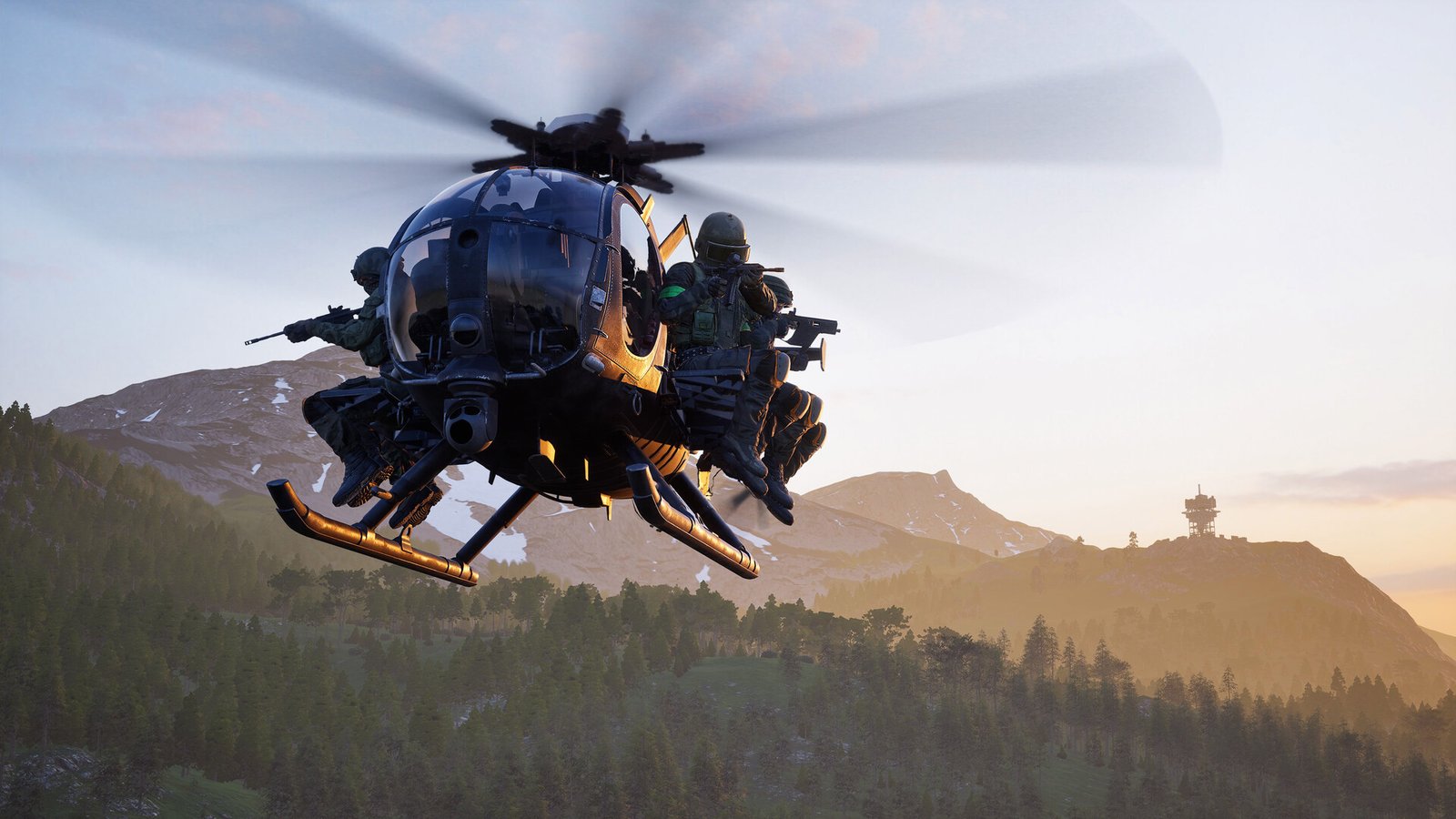
WARDOGS System Requirements & PC Benchmark
// SYSTEM DATA ANALYSIS //
> MINIMUM REQ.
CPU: Intel Core i5-8600 or AMD Ryzen 5 3500
GPU: NVIDIA GeForce GTX 1660 or AMD Radeon RX 590
RAM: 16
> RECOMMENDED
CPU: Intel Core i7-12700K or AMD Ryzen 7 5700X
GPU: NVIDIA GeForce RTX 3070 or AMD Radeon RX 6700 XT
RAM: 16
// PROFESSIONAL_ANALYSIS //
Engage in massive, high-intensity tactical war simulation in WARDOGS, developed by BULKHEAD powered by Unreal Engine 5. Featuring 100-player lobbies, chaotic combined-arms vehicular combat, extensive environmental destruction, and dynamic ballistic physics, claiming territory demands sustained high framerates and razor-sharp reaction times. Benchmark your PC setup above to check expected framerates across 1080p, 1440p, and 4K resolutions.
WARDOGS Minimum System Requirements (1080p 30 FPS Low)
Baseline hardware required for 1080p 60 FPS on Low settings with temporal upscaling enabled:
- Operating System: Windows 10 (64-bit)
- Processor (CPU): Intel Core i5-8600 or AMD Ryzen 5 3500
- Graphics Card (GPU): NVIDIA GeForce GTX 1660 (6GB) or AMD Radeon RX 590
- System Memory (RAM): 16 GB RAM
- DirectX: Version 12
- Storage: 50 GB available space (Solid State Drive strongly recommended)
WARDOGS Recommended System Requirements (1080p/1440p 60 FPS High)
Recommended setup for 1440p 70+ FPS on Medium/High settings with full particle effects and foliage density:
- Operating System: Windows 11 (64-bit)
- Processor (CPU): Intel Core i7-12700K or AMD Ryzen 7 5700X
- Graphics Card (GPU): NVIDIA GeForce RTX 3070 or AMD Radeon RX 6700 XT
- System Memory (RAM): 16 GB high-speed dual-channel RAM
- DirectX: Version 12
- Storage: 50 GB NVMe M.2 Solid State Drive
WARDOGS 4K Ultra Specs (60+ FPS Enthusiast Tier)
For native 4K 90+ FPS or competitive 1440p 144 Hz during massive 100-player vehicle engagements with full Chaos physics destruction, an Intel Core i7-14700K or AMD Ryzen 7 7800X3D paired with an NVIDIA GeForce RTX 4080 Super or Radeon RX 7900 XTX guarantees zero frame drops.
Best WARDOGS Graphics Settings for Maximum FPS
To maintain high frame-time consistency during intense vehicular bombardment and building collapses, adjust these settings:
- Destruction & Chaos Physics: Medium (significantly reduces sudden CPU draw spikes when buildings collapse).
- Shadow Quality & Ambient Occlusion: Medium (reclaims up to 20% GPU headroom while preserving essential soldier silhouettes).
- Volumetric Smoke & Explosions: Low/Medium (prevents frametime hitching during artillery barrages).
- DLSS / FSR / Frame Generation: Quality mode for crisp long-distance spotting; enable Frame Generation on RTX 40/RX 7000 cards for high-refresh displays.
- Foliage Draw Distance: Medium (improves target visibility in dense forested sectors).
Hardware Bottlenecks: Is WARDOGS CPU or GPU Heavy?
WARDOGS demands substantial performance from both CPU and GPU, tilting toward GPU-heavy due to Unreal Engine 5’s Nanite geometry and heavy post-processing. However, managing 100 players, vehicle physics, and server-client ballistic synchronization places notable strain on single-thread CPU performance during crowded objective pushes. An NVMe SSD is essential for fast map loading and continuous asset streaming. Compare performance metrics with other large-scale military shooters like War Thunder and Escape from Tarkov, or browse the complete PC system requirements catalog.
Frequently Asked Questions (FAQ)
Does WARDOGS support DLSS 3 Frame Generation?
Yes, WARDOGS features native support for DLSS 3 and FSR 3 Frame Generation to boost frame throughput during large-scale operations.
Is 16 GB of RAM enough for 100-player battles?
Yes, 16 GB of dual-channel RAM meets official requirements, though 32 GB helps prevent memory paging when running background Discord or streaming software.
Is an SSD required to play WARDOGS?
While it can install on a mechanical drive, an SSD is strongly advised to eliminate asset hitching when driving vehicles at high speeds across sectors.