
Horizon Forbidden West System Requirements & PC Benchmark
// SYSTEM DATA ANALYSIS //
> MINIMUM REQ.
CPU: Intel Core i3-8100
GPU: NVIDIA GeForce GTX 1650
RAM: 16
> RECOMMENDED
CPU: Intel Core i5-8600
GPU: NVIDIA GeForce RTX 3060
RAM: 16
// PROFESSIONAL_ANALYSIS //
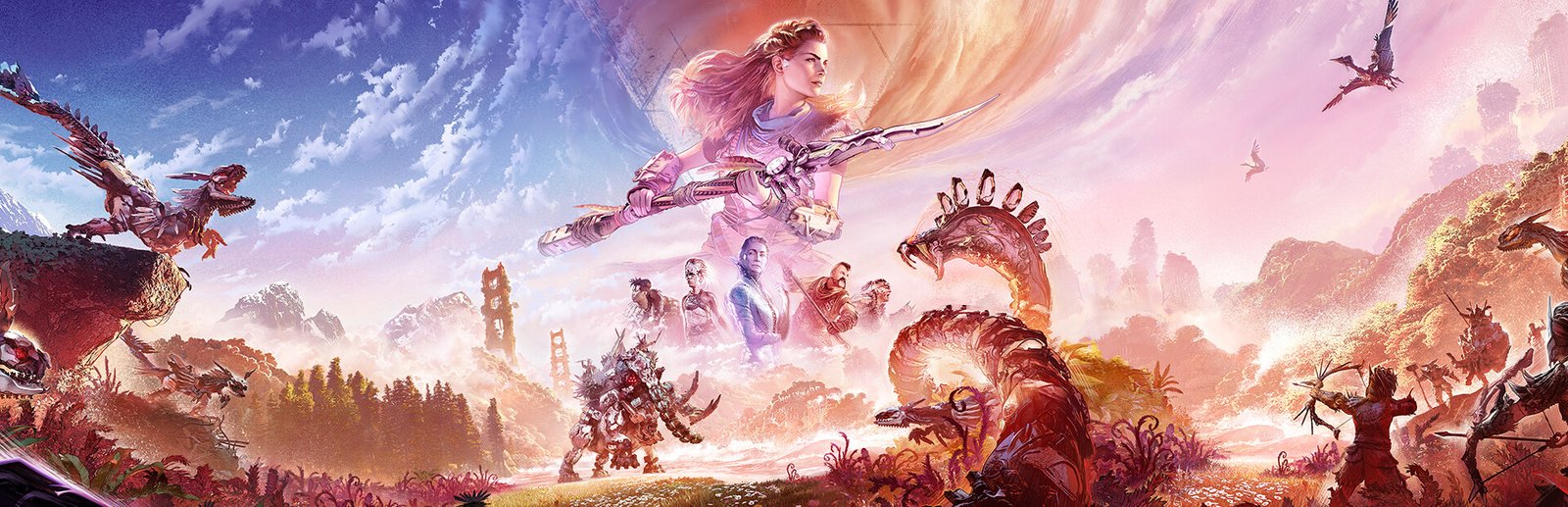
Horizon Forbidden West Complete Edition brings Guerrilla Games’ breathtaking post-apocalyptic frontier to PC in an exceptional port crafted by Nixxes Software. Following Aloy’s quest across lush valleys, submerged ruins, and arid deserts, the title pushes technical boundaries with intricate machine component tessellation, dense volumetric atmospheres, and dynamic foliage deformation. As one of the most visually ambitious open-world titles on PC, it demands powerful hardware. Check your gaming rig against our comprehensive database on PCRunIt PC game benchmarks.
Horizon Forbidden West System Requirements Breakdown
The minimum system requirements target 720p 30 FPS on Very Low settings, calling for an Intel Core i3-8100 or AMD Ryzen 3 1300X, an NVIDIA GeForce GTX 1650 (4 GB VRAM) or AMD Radeon RX 5500 XT, and 16 GB of RAM. This setup allows entry-level gaming rigs to experience the story, but visual fidelity is severely scaled back.
For a premier 1080p 60 FPS experience on Medium to High presets, Nixxes recommends an Intel Core i5-8600 or AMD Ryzen 5 3600, paired with an NVIDIA GeForce RTX 3060 (12 GB VRAM) or AMD Radeon RX 5700, and 16 GB of dual-channel system memory. Storage is colossal: the Complete Edition requires 150 GB of drive space. A Solid State Drive (SSD) with Microsoft DirectStorage support is an essential requirement to prevent catastrophic asset streaming stutters during high-speed machine riding.
Hardware Bottlenecks & Decima Engine Scaling
Guerrilla’s Decima Engine is engineered for massive environmental scale and dense procedural vegetation. In open-world traversal, millions of individual foliage blades, volumetric clouds, and complex machine component meshes put immense pressure on GPU rasterization and memory bandwidth.
Video memory (VRAM) is the most critical constraint in Forbidden West. At 1440p on Very High settings, the game readily consumes over 10 GB of VRAM; attempting to run maximum textures on an 8 GB graphics card causes severe texture blurring and PCIe bandwidth thrashing. Fortunately, Nixxes has integrated the full suite of modern scaling technologies, including NVIDIA DLSS 3, AMD FSR 3.1, and Intel XeSS with Frame Generation. This technological sophistication rivals the visual demands of premier PC benchmarks like Cyberpunk 2077 and photorealistic open-world frontiers like Red Dead Redemption 2.
FPS Optimization Tips / Best Visual & Performance Settings
- Enable DLSS or FSR Quality Mode: Temporal upscaling is virtually mandatory at 1440p and 4K, delivering up to 40% higher frame rates with minimal loss in foliage detail.
- Keep Textures at ‘High’ on 8 GB GPUs: Avoid the Very High texture preset on 8 GB graphics cards to prevent VRAM overflow and texture streaming degradation.
- Lower Volumetric Clouds to Medium: Volumetric atmospheric rendering carries a heavy GPU overhead; setting clouds to Medium recovers 10% to 15% FPS in open skies.
- Activate Frame Generation on Compatible Hardware: If your base framerate exceeds 50 FPS, enabling DLSS or FSR Frame Generation provides ultra-fluid motion on high-refresh displays.
- Install Exclusively on a Fast NVMe SSD: DirectStorage asset streaming relies on high-speed NVMe reads to load high-resolution machine textures without micro-stuttering.
Frequently Asked Questions
How much VRAM is needed for Horizon Forbidden West at 1440p?
A graphics card with at least 10 GB to 12 GB of VRAM is strongly recommended for 1440p at High or Very High settings to prevent texture streaming downgrades.
Does Horizon Forbidden West support Frame Generation?
Yes. The PC release features official support for both NVIDIA DLSS 3 Frame Generation and AMD FSR 3.1 Frame Generation across compatible hardware.
Is an SSD strictly required for this title?
Yes. The 150 GB installation leverages Microsoft DirectStorage; running the game on a mechanical HDD causes severe asset loading freezes and texture pop-in.